Learn how 3D CAD design software supports product design, mechanical modeling, manufacturing, scan-to-CAD, reverse engineering, and accurate digital workflows.
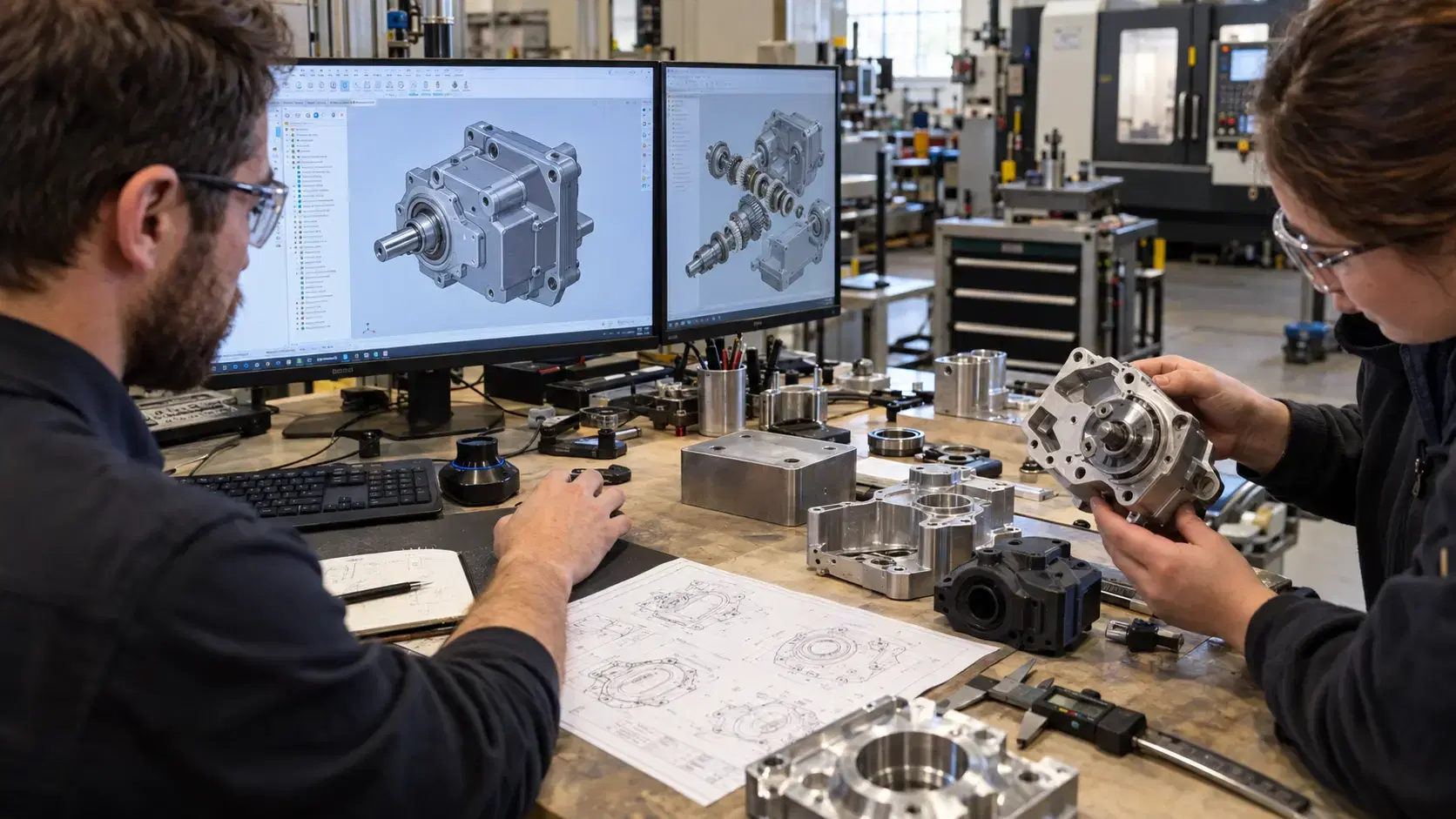
Product design becomes easier when ideas can be tested before anything is manufactured.
That is why 3d cad design software is important for engineers, manufacturers, product teams, and designers. It allows users to build digital models, check shapes, review assemblies, create drawings, and prepare parts for production.
Instead of relying only on sketches or flat drawings, CAD gives teams a 3D view of how a part or product should look and function. This helps reduce mistakes, improve communication, and support better decisions during design, prototyping, and manufacturing.
If you are asking what is 3d cad design, the simple answer is computer-based design in three dimensions.
CAD stands for computer-aided design. In 3D CAD, users create digital models with height, width, and depth. These models can represent simple parts, complex assemblies, mechanical components, consumer products, tools, fixtures, molds, and production equipment.
A 3D CAD model can show surfaces, holes, slots, curves, threads, sheet metal bends, and relationships between parts. It can also support measurements, drawings, simulations, rendering, and manufacturing exports.
The goal is to create a clear digital version of the product before it is built.
Good CAD software helps teams move from concept to production with more control.
A designer can test different shapes. An engineer can check fit and function. A manufacturer can review dimensions. A supplier can understand what needs to be produced.
This is especially useful when a product has moving parts, tight tolerances, molded geometry, machined features, or assembly requirements.
Without 3D CAD, teams may rely on guesswork, repeated prototypes, or unclear drawings. With CAD, they can see issues earlier and make changes before production becomes expensive.
3d cad mechanical design software is used for parts that must fit, move, hold loads, or be manufactured accurately.
Mechanical CAD workflows often include parametric modeling, assemblies, constraints, configurations, drawings, tolerances, and material information. Engineers can create brackets, housings, shafts, gears, enclosures, machine components, fixtures, and tooling.
Parametric design is useful because dimensions and features can be changed later. If a hole size, wall thickness, or part length needs adjustment, the model can update without starting from zero.
This helps engineering teams manage design changes more efficiently.
A 3D CAD model is not only for viewing.
It can become the foundation for drawings, CNC machining, 3D printing, molding, casting, fabrication, and inspection. The model may be exported as STEP, IGES, STL, DXF, or native CAD files depending on the next step.
Manufacturers can use CAD data to create toolpaths, build prototypes, quote parts, design fixtures, or compare finished parts against the original design.
Accurate CAD also supports quality control because inspectors can use the model as a reference for measurement and CAD comparison.
Not every company has an in-house CAD team.
That is where 3d cad design services can help. A service provider can create new CAD models, rebuild missing files, clean up scan data, update legacy parts, prepare manufacturing drawings, or convert physical parts into digital models.
This is useful for startups, machine shops, manufacturers, repair teams, and businesses that need engineering files but do not want to build a full design department.
Good CAD services should start with the end goal. A model for visual presentation is different from a model for machining, tooling, or inspection.
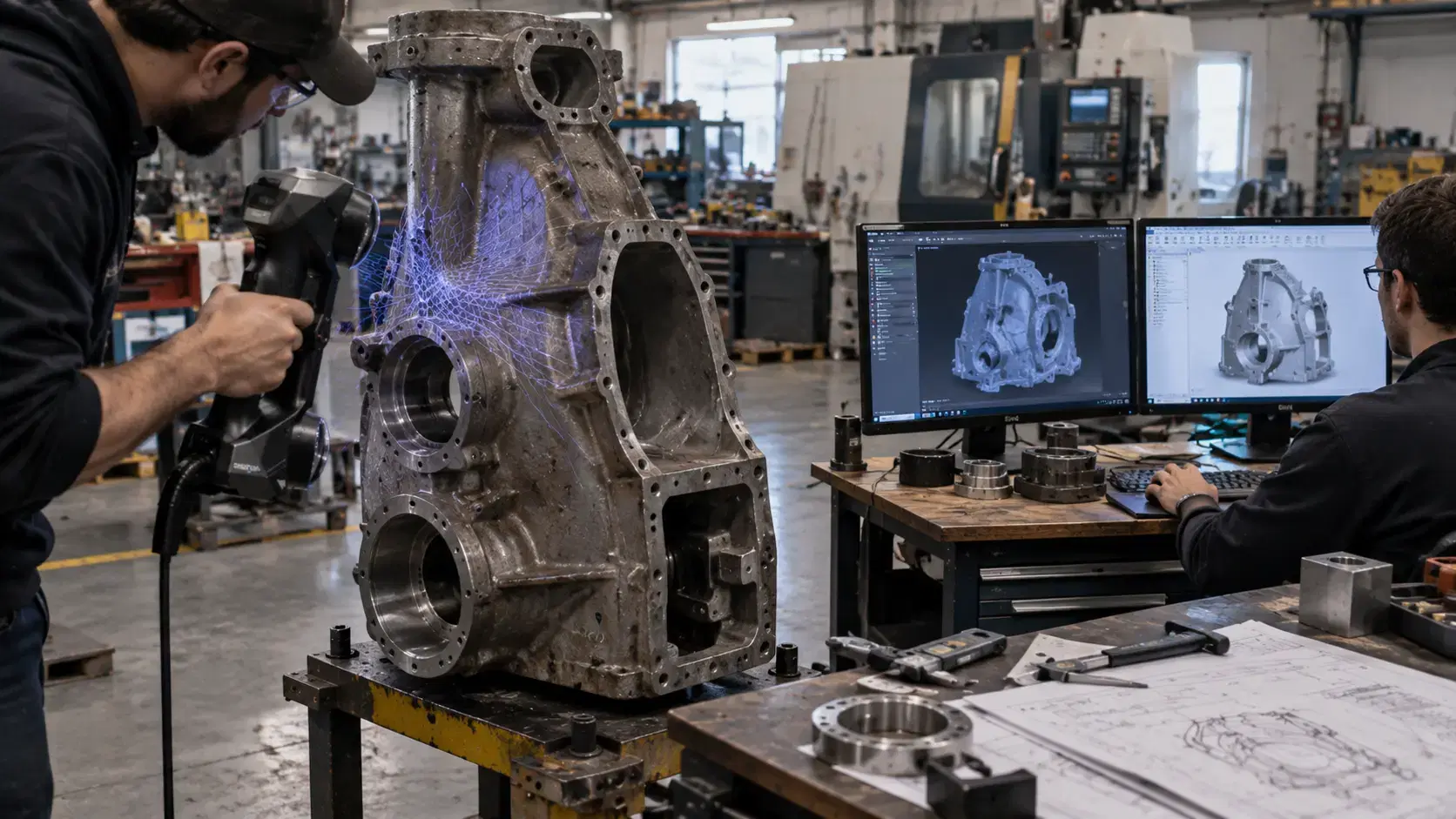
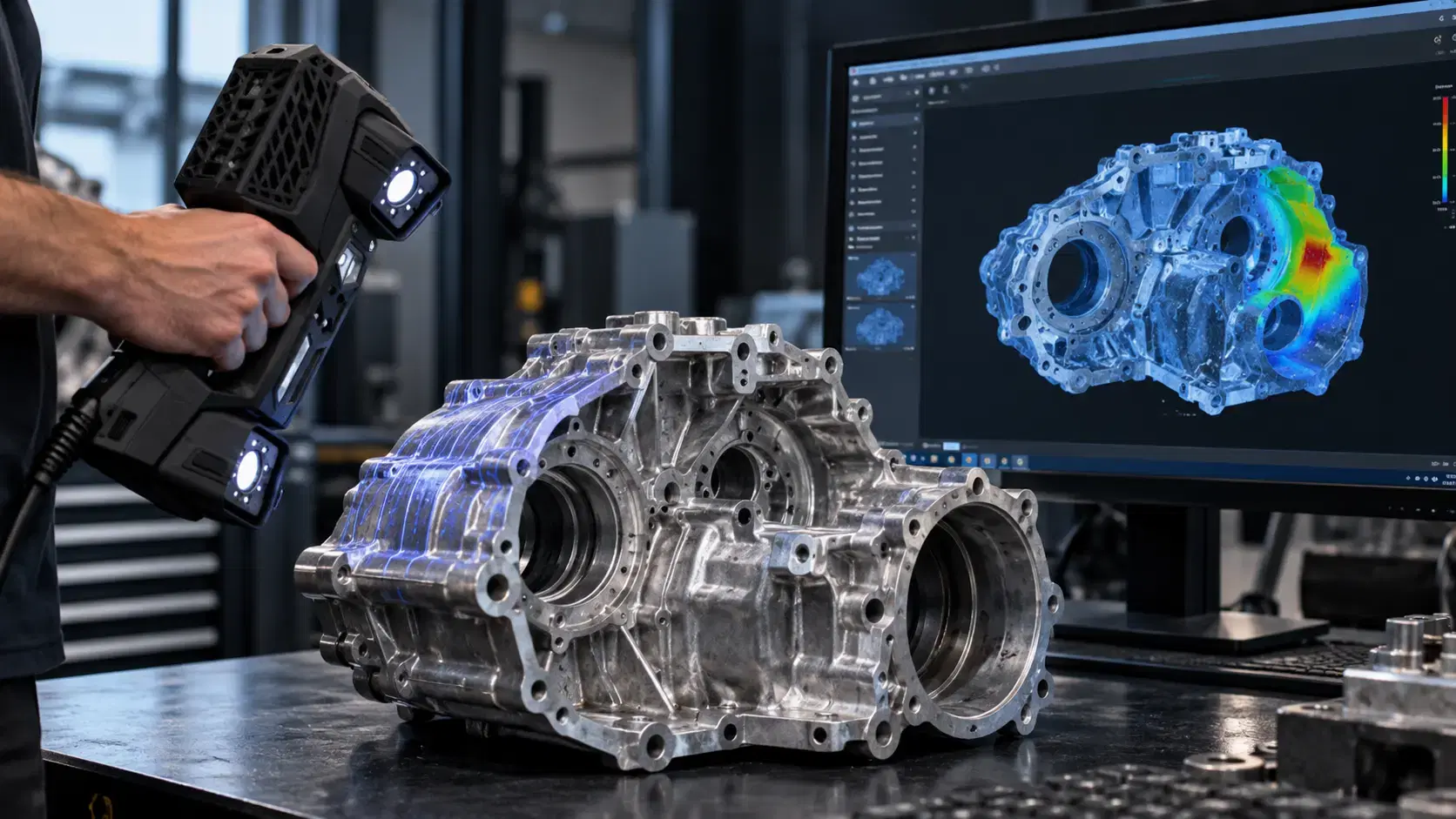
3D scanning and CAD often work together.
If an original part exists but CAD is missing, scanning can capture the real geometry. Engineers can then use scan-to-CAD workflows to create usable design files.
This is helpful for reverse engineering, legacy parts, replacement components, worn equipment, hand-built prototypes, and supplier changes.
The scan gives a measured reference, while CAD turns that reference into editable engineering geometry.
The right workflow depends on the project.
A simple concept model may only need basic shapes and dimensions. A mechanical assembly may need precise constraints, tolerances, drawings, and export formats. A reverse engineering project may need 3D scanning, mesh processing, and scan-to-CAD modeling.
Before starting, define how the CAD will be used. Will it support prototyping, CNC machining, inspection, 3D printing, or product documentation?
Clear goals help prevent rework. This makes future revisions, supplier discussions, and quality checks easier for everyone involved in the project over time.
Yes. CAD models can support drawings, STEP files, STL files, DXF files, and other production outputs.
No. Designers, manufacturers, inventors, product teams, and quality teams also use CAD workflows.
Yes. Existing parts can be measured or scanned, then rebuilt into usable CAD models.
Yes, especially when the model will guide machining, fabrication, inspection, or assembly.
3d cad design software helps teams turn ideas, measurements, and real parts into digital models that support better engineering work.
Whether the goal is product design, mechanical modeling, reverse engineering, or manufacturing preparation, strong CAD data reduces confusion and improves decision-making.
Dynamic 3D can help teams with 3d cad design services, scan-to-CAD workflows, reverse engineering, and 3D scanning support for accurate product design, industrial modeling, and manufacturing-ready engineering files.
Expand your knowledge with additional resources designed to help engineers, manufacturers, and quality teams make more informed decisions.
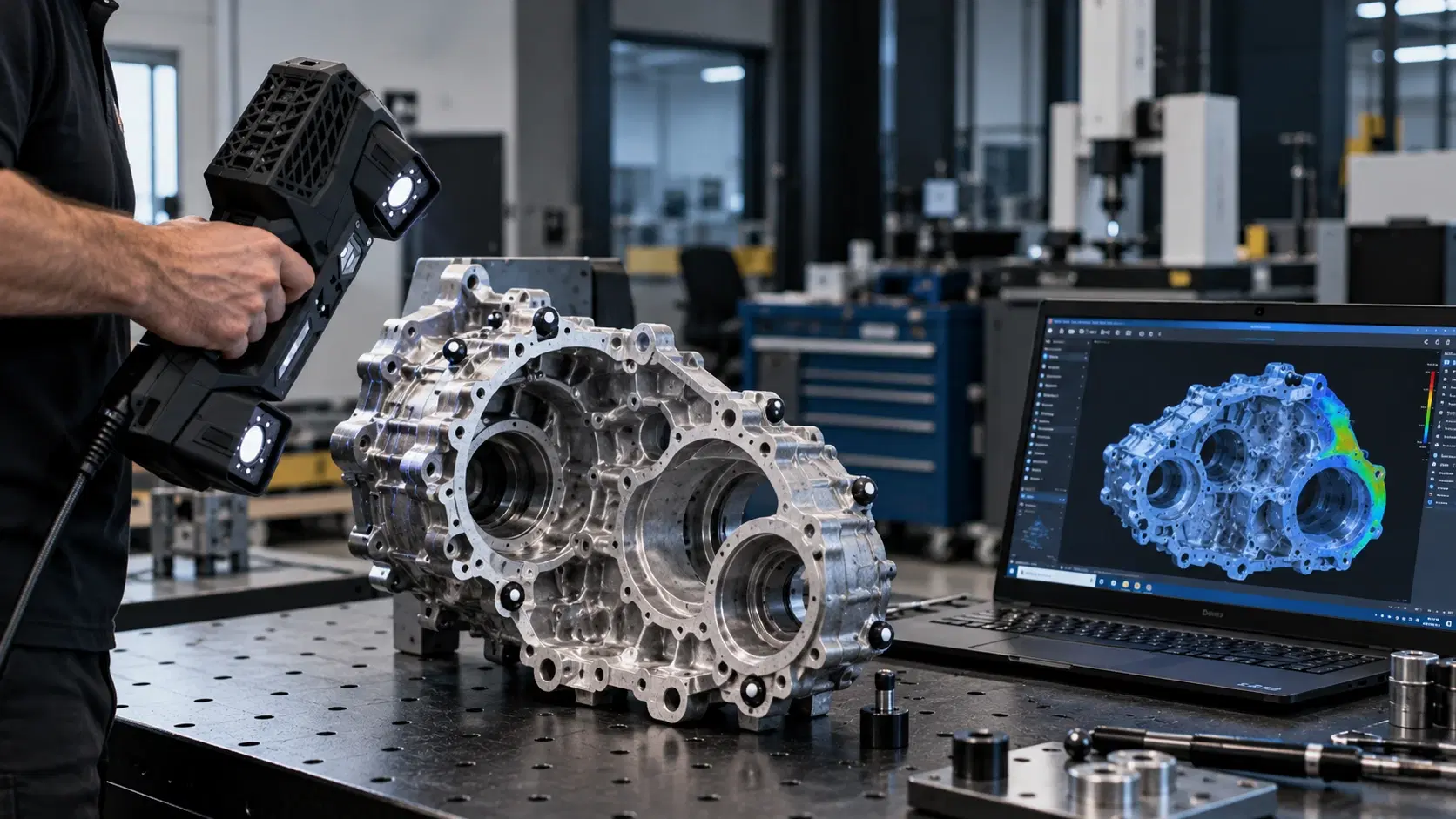

Learn about HandySCAN BLACK Elite accuracy, features, scanning performance, applications, software needs, and pricing factors before requesting a quote.

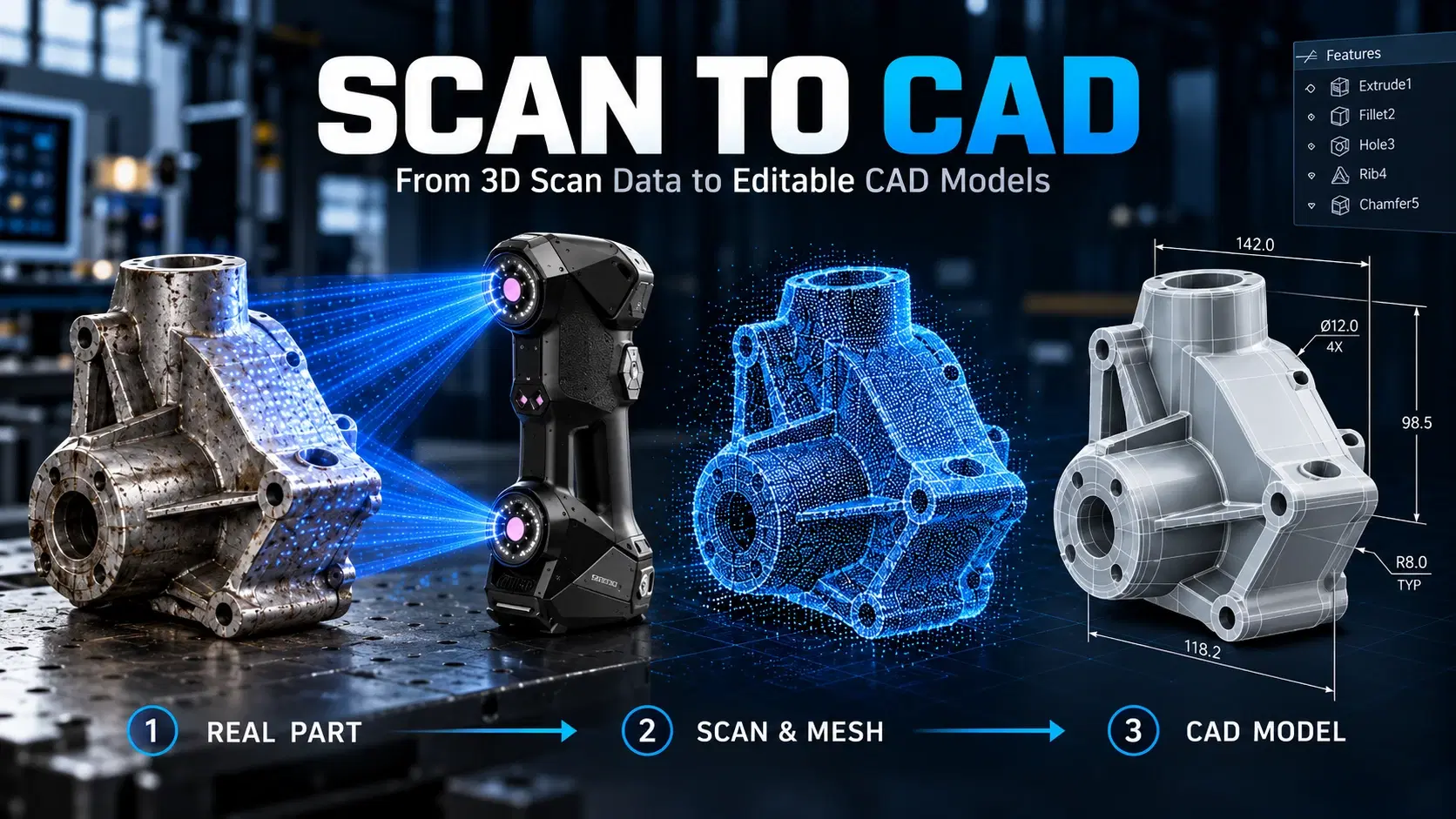
Learn how scan to CAD turns 3D scan data into editable CAD models using mesh cleanup, alignment, feature extraction, verification, and proper file export.
Learn how a three-dimensional scanner captures physical geometry, creates digital scan data, and supports inspection, reverse engineering, CAD, and manufacturing.

Whether you're evaluating 3D scanners, inspection software, reverse engineering workflows, or CAD modeling services, our engineering team can help identify the best solution for your application.


