Learn how 3D scan solutions capture physical objects, create accurate digital models, and support inspection, reverse engineering, scan-to-CAD, and product development.
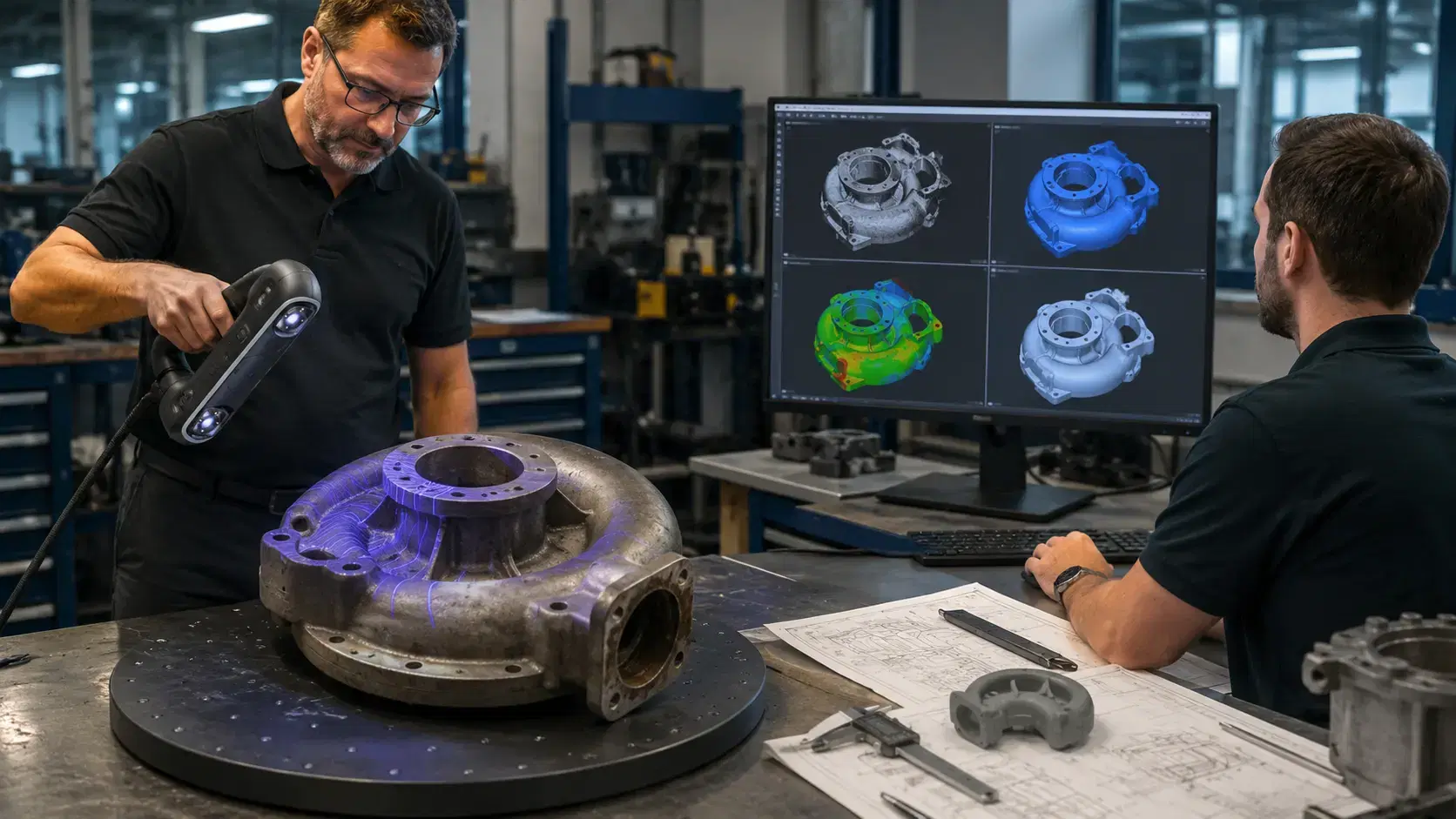
A physical part can carry more information than the drawing beside it.
A casting may have shifted during cooling. A prototype may have been sanded by hand. A legacy bracket may still work, even though the CAD file disappeared years ago. That is where 3d scan solutions help manufacturers turn objects into digital models that engineers can inspect, redesign, archive, or reproduce.
The value is not only the scan. The value is what the digital model lets your team decide next.
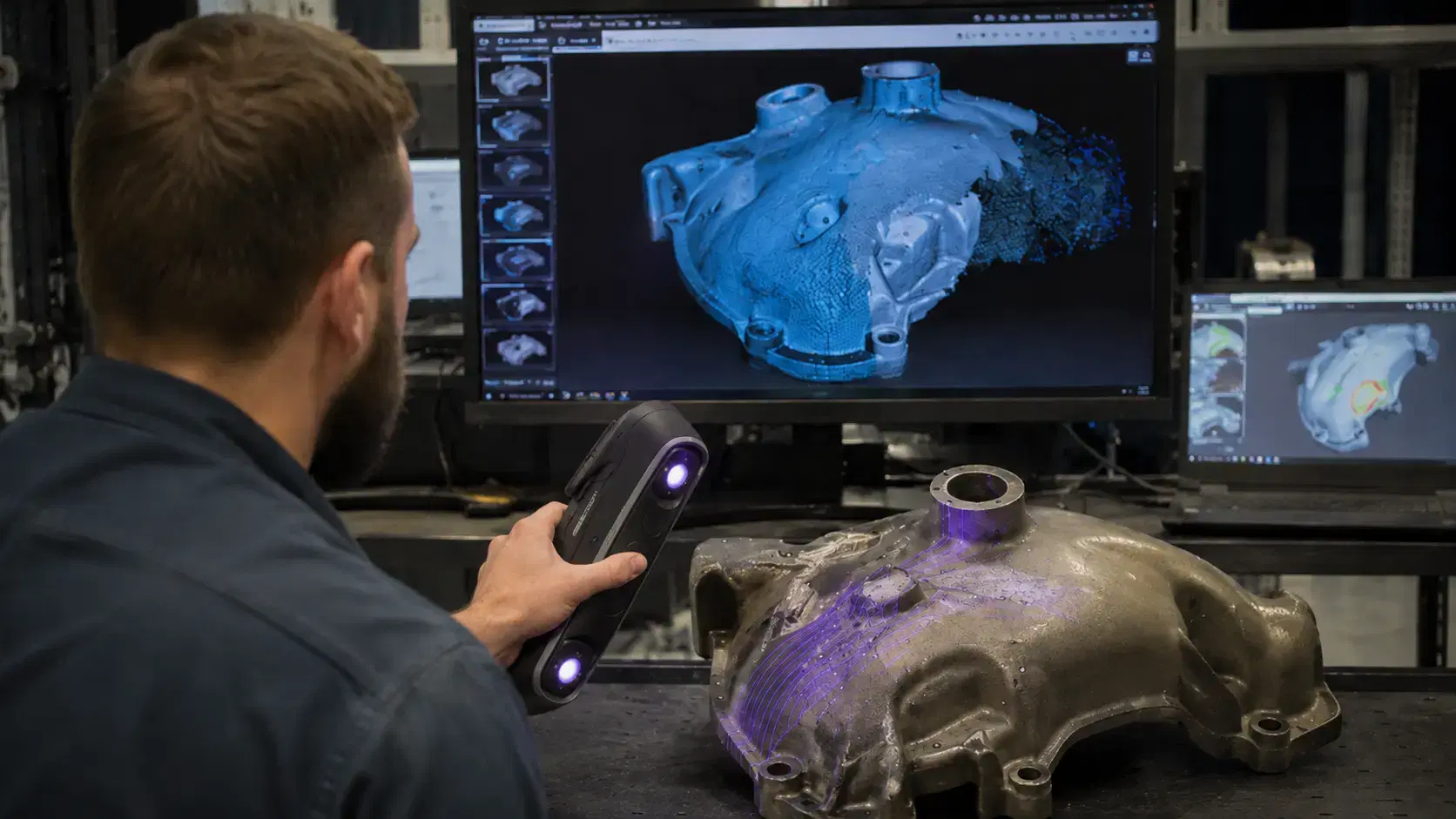
If you are asking what is 3d scanning, the practical answer is simple. It is a measurement process that captures the shape of a physical object and converts it into digital geometry.
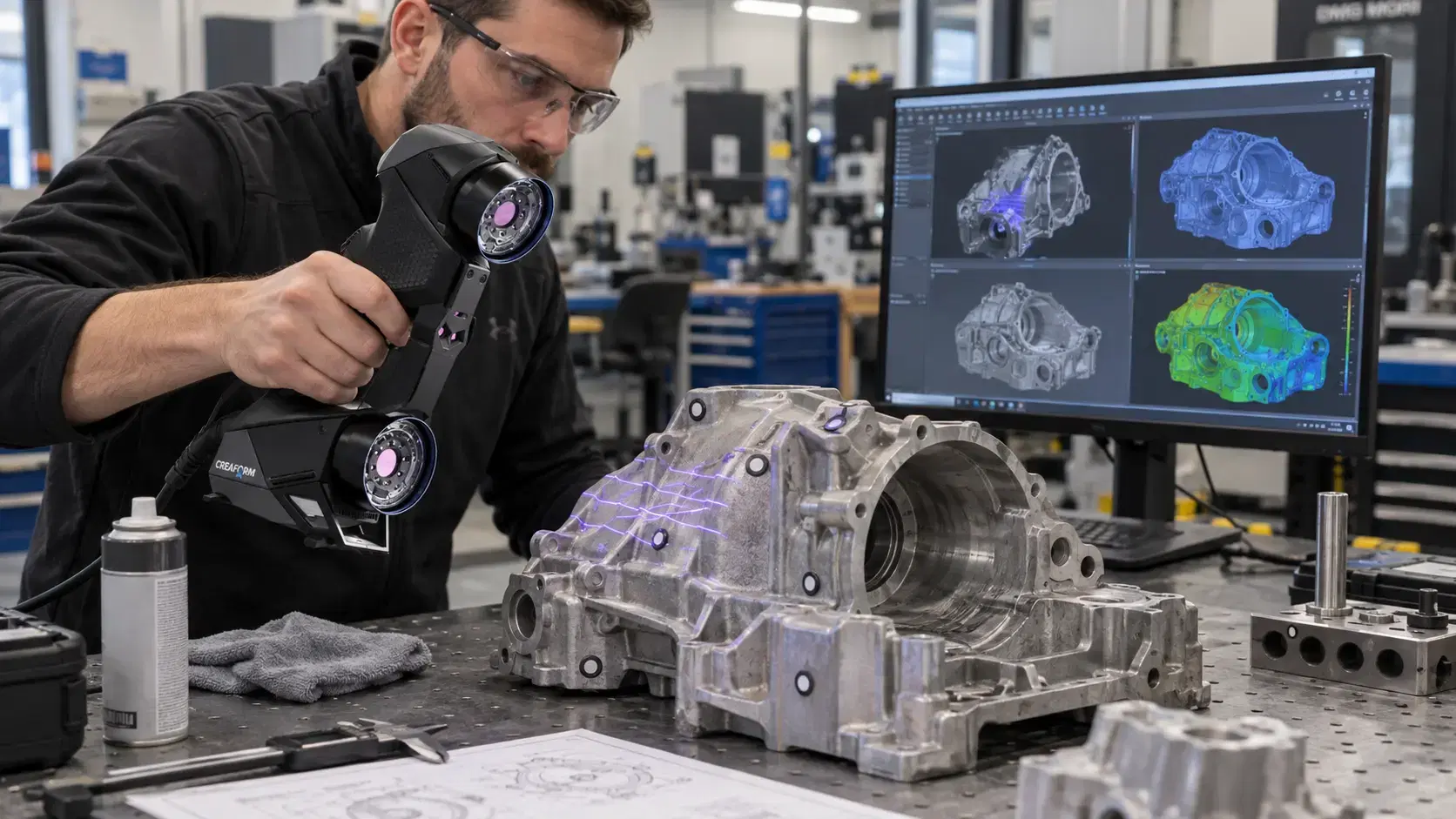
A 3D scanner records surface points. Software turns those points into a mesh. That mesh can support inspection, reverse engineering, 3D printing, documentation, or scan-to-CAD work.
For manufacturers, this matters because parts often change faster than engineering files. A repaired tool, modified prototype, or supplier sample may not match the model.
Digital models give teams a common reference.
Without one, people rely on photos, hand measurements, old drawings, or memory. That creates risk when the part has curved surfaces, complex blends, irregular features, or hidden wear.
A scan gives the team full-surface data. Instead of measuring 20 points and guessing the rest, engineers can see the whole shape. That helps with fit problems, design changes, tooling checks, and documentation.
A digital model also protects tribal knowledge. If one technician knows how a custom fixture was changed, scanning helps capture that change before it disappears.
HandySCAN 3D PRO is a strong fit for teams that need portable scanning for product development, reverse engineering, and digital model creation.
Creaform lists the HandySCAN 3D PRO Series with up to 0.030 mm accuracy and 23 blue laser lines. That makes it useful for parts where shape, detail, and data matter.
Portability is a major advantage. Many parts are easier to scan where they sit, especially tooling, fixtures, machinery components, and assemblies. Moving the scanner to the part can reduce setup time.
The scanner captures geometry, but the workflow makes it useful. Mesh cleanup, alignment, feature extraction, and scan-to-CAD software help turn raw scan data into engineering files.
Many companies search for 3d scanning services near me when they have a project, not a full-time scanning workload.
If you only need one legacy part captured, one prototype documented, or one supplier sample compared, outsourcing can be faster than buying equipment.
Services also help when the job requires experience. Shiny surfaces, dark materials, worn parts, large objects, and tight tolerances all need the right setup. A skilled operator knows how to prepare the part and produce the output.
A good provider should ask what you need from the scan. A mesh for visualization is different from a STEP file for engineering. An inspection report is different from a reverse engineering model.
Manufacturers use 3D scanning when the physical object answers questions the drawing cannot.
Reverse engineering is one common use. A shop may need to recreate a discontinued component, update an old design, or build CAD from a hand-made prototype.
Inspection is another. A scan can compare the real part against CAD and show deviation through color maps, sections, and measurements.
Product development teams use scanning to bring physical changes back into the digital workflow. If a prototype was trimmed, filled, or reshaped during testing, the scanner captures the final condition.
Maintenance teams also benefit. They can document worn parts, damaged components, and repairs before making replacement decisions.
The first mistake is thinking a scan automatically becomes CAD. It does not. A scan creates measured geometry, but CAD reconstruction requires cleanup, alignment, and design intent.
The second mistake is scanning without choosing the deliverable. Decide whether you need STL, OBJ, STEP, IGES, inspection results, or native CAD before the project starts.
The third mistake is ignoring the part condition. A scan captures what exists, including wear, dents, repairs, and distortion. Decide whether to model the real condition or the original intended design.
3D scanning is used for reverse engineering, inspection, product design, digital archiving, tooling checks, 3D printing, and CAD reconstruction.
Yes, but it requires scan-to-CAD work. The scan becomes a mesh first, then engineers rebuild usable surfaces, features, and dimensions.
Services are better for occasional projects. Buying makes sense when scanning becomes a regular workflow for inspection, design, or reverse engineering.
Yes. HandySCAN 3D PRO supports professional scanning workflows where accurate geometry is needed for product development and reverse engineering.
3D scanning helps teams stop guessing from incomplete drawings and start working from measured geometry.
Dynamic 3D can help manufacturers choose HandySCAN 3D PRO, 3D scanning services, and scan-to-CAD workflows that turn physical objects into usable digital models.
Expand your knowledge with additional resources designed to help engineers, manufacturers, and quality teams make more informed decisions.
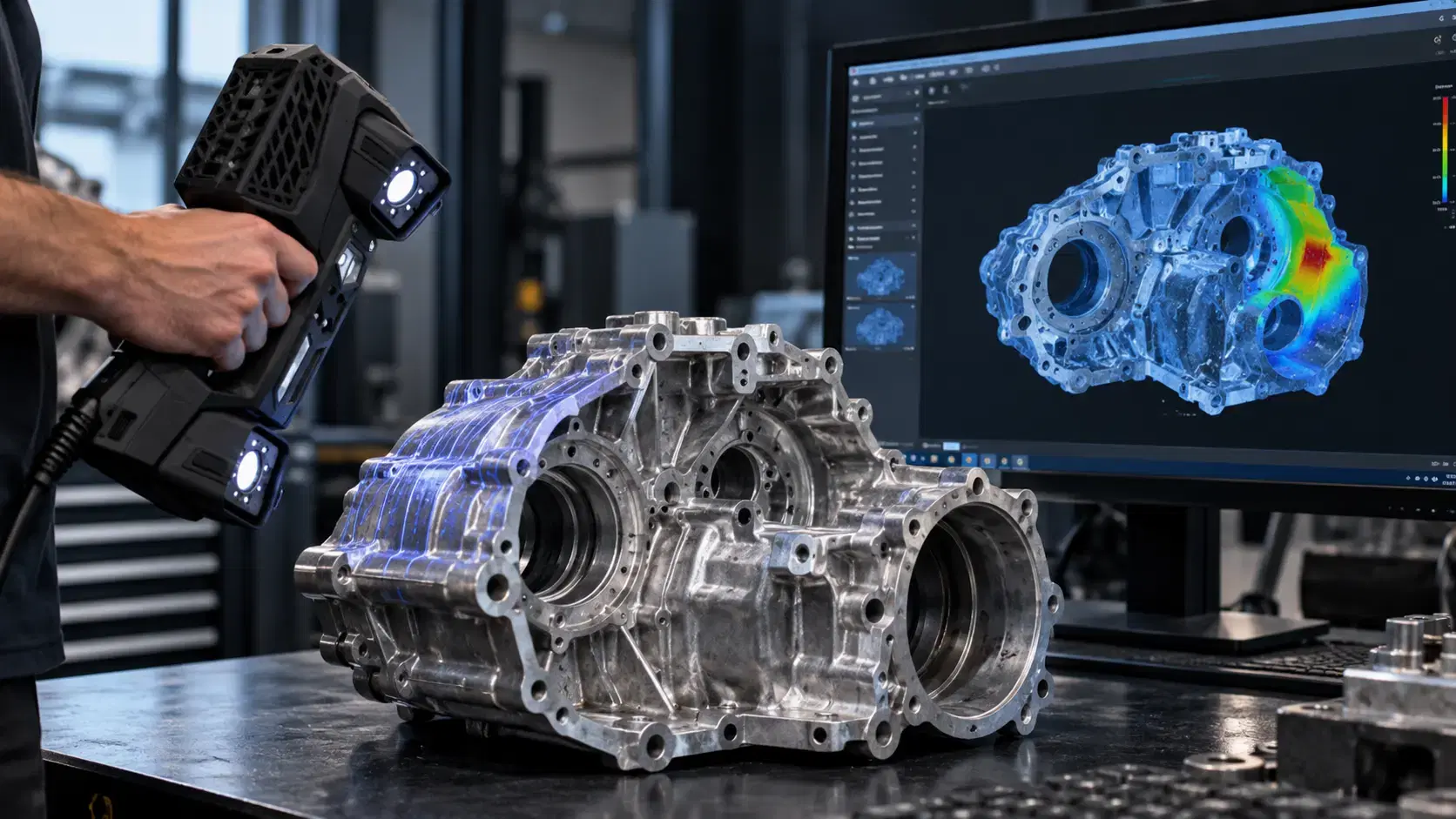

Learn how a three-dimensional scanner captures physical geometry, creates digital scan data, and supports inspection, reverse engineering, CAD, and manufacturing.

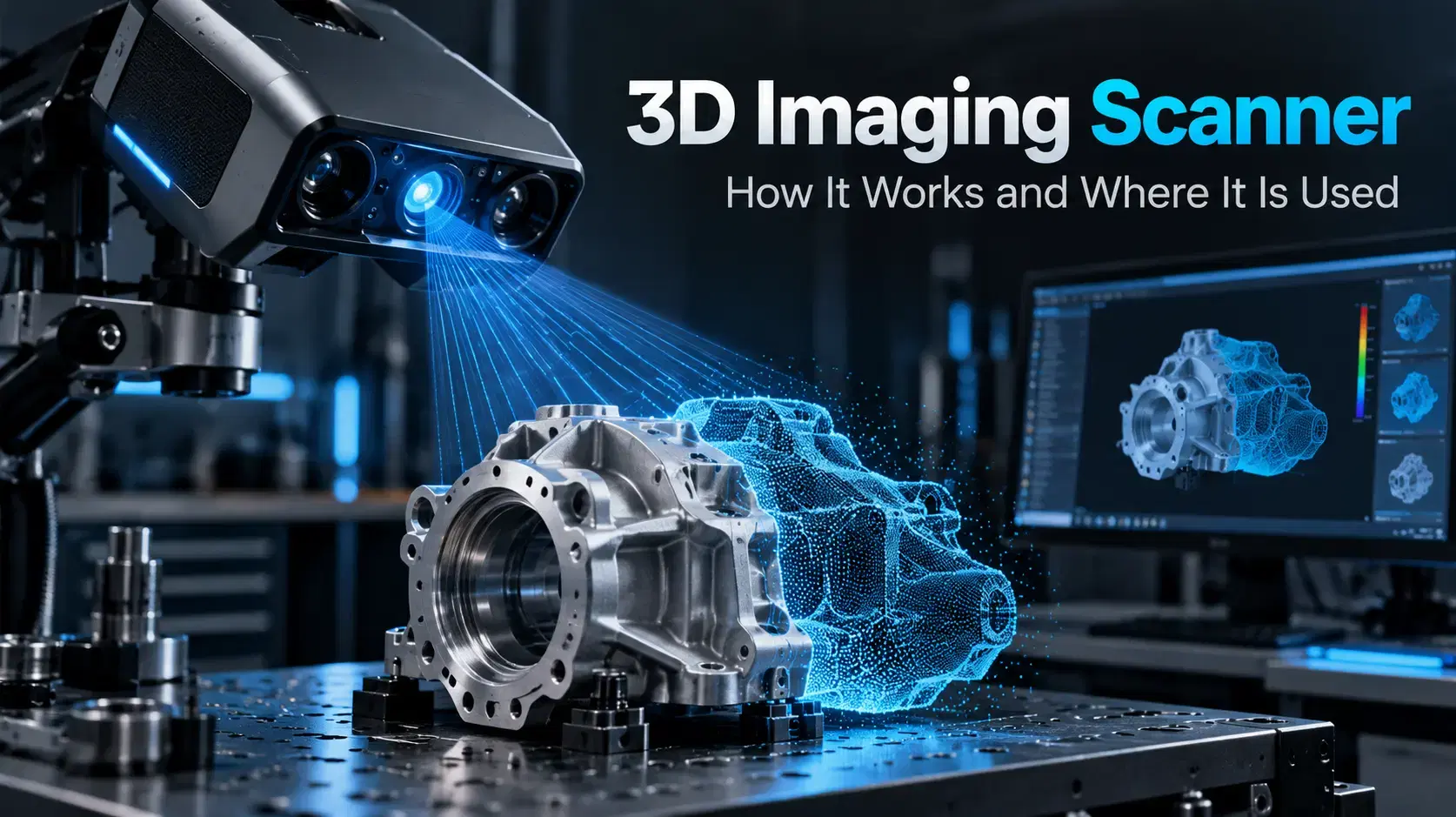
Learn how a 3D imaging scanner captures physical geometry, creates digital models, and supports inspection, reverse engineering, CAD, and industrial workflows.

Learn how Creaform HandySCAN captures real part geometry for inspection, reverse engineering, scan-to-CAD, product development, and manufacturing workflows.

Whether you're evaluating 3D scanners, inspection software, reverse engineering workflows, or CAD modeling services, our engineering team can help identify the best solution for your application.


