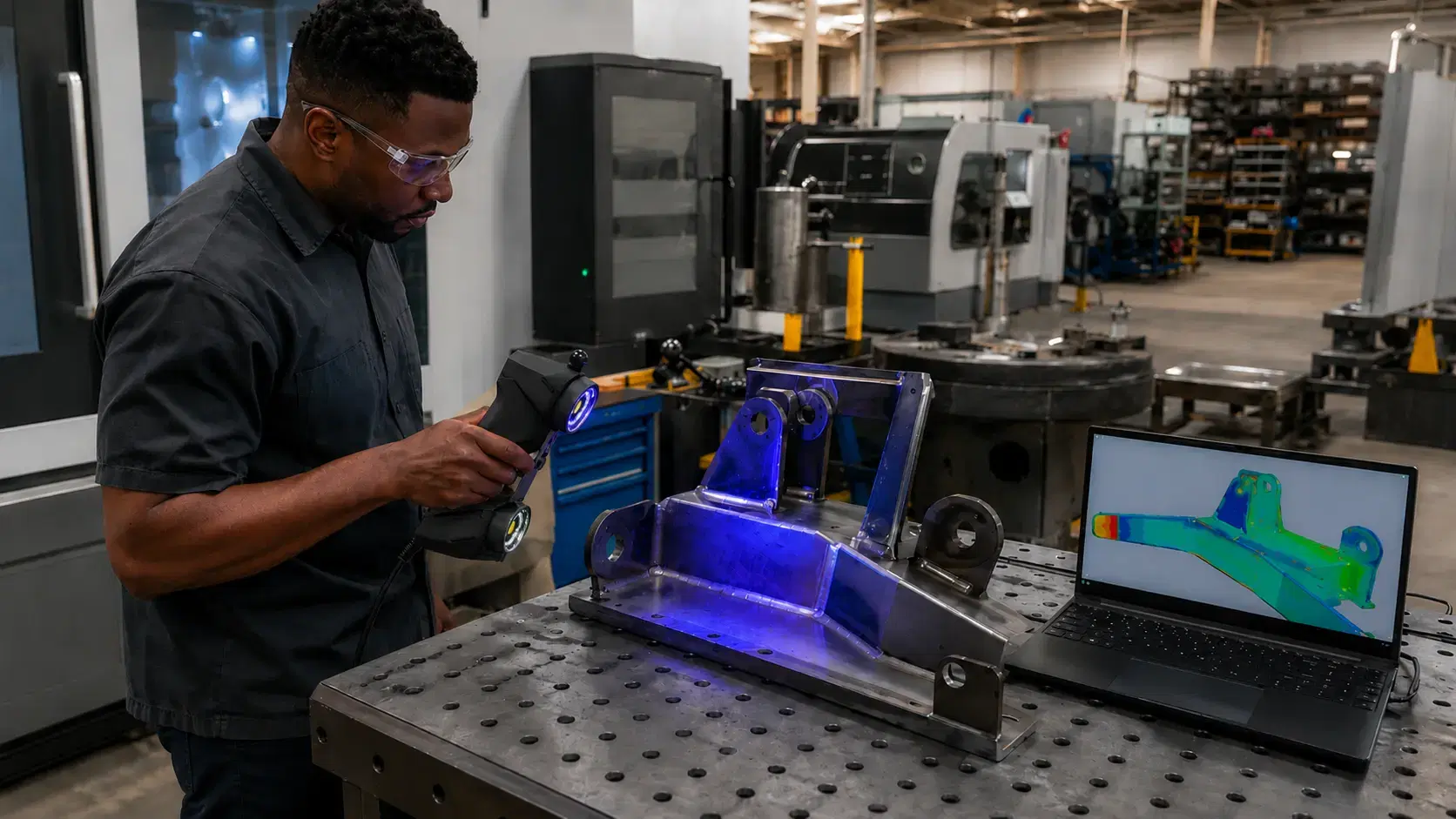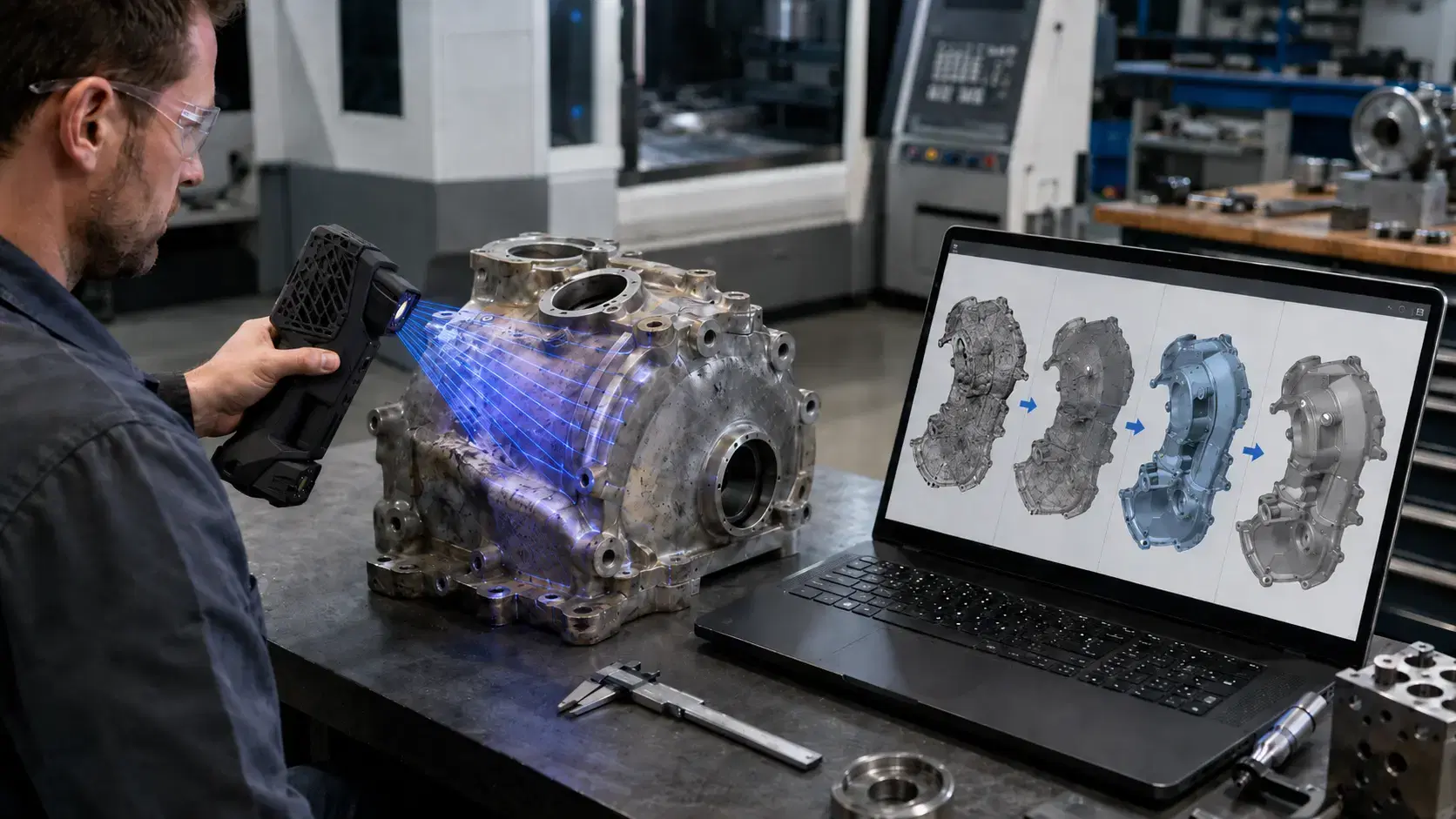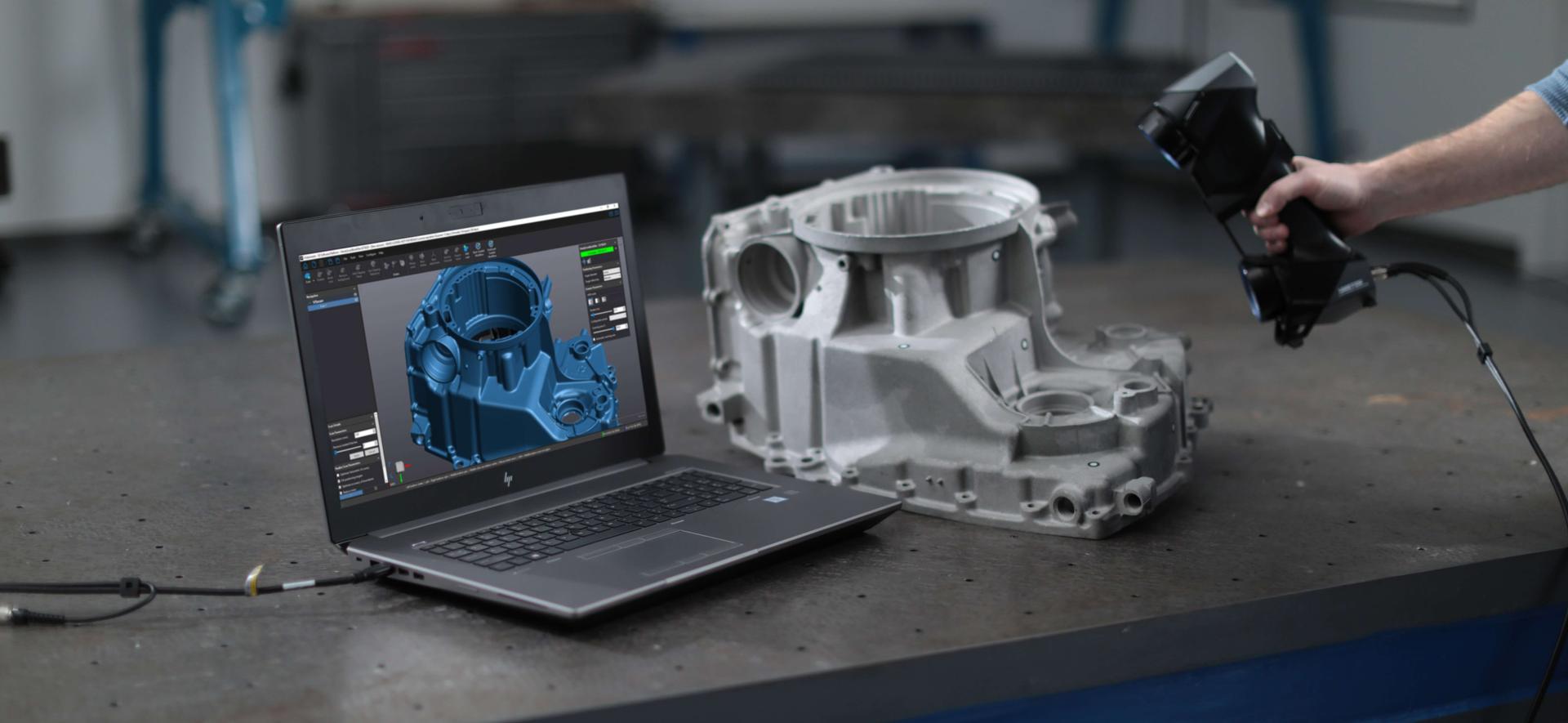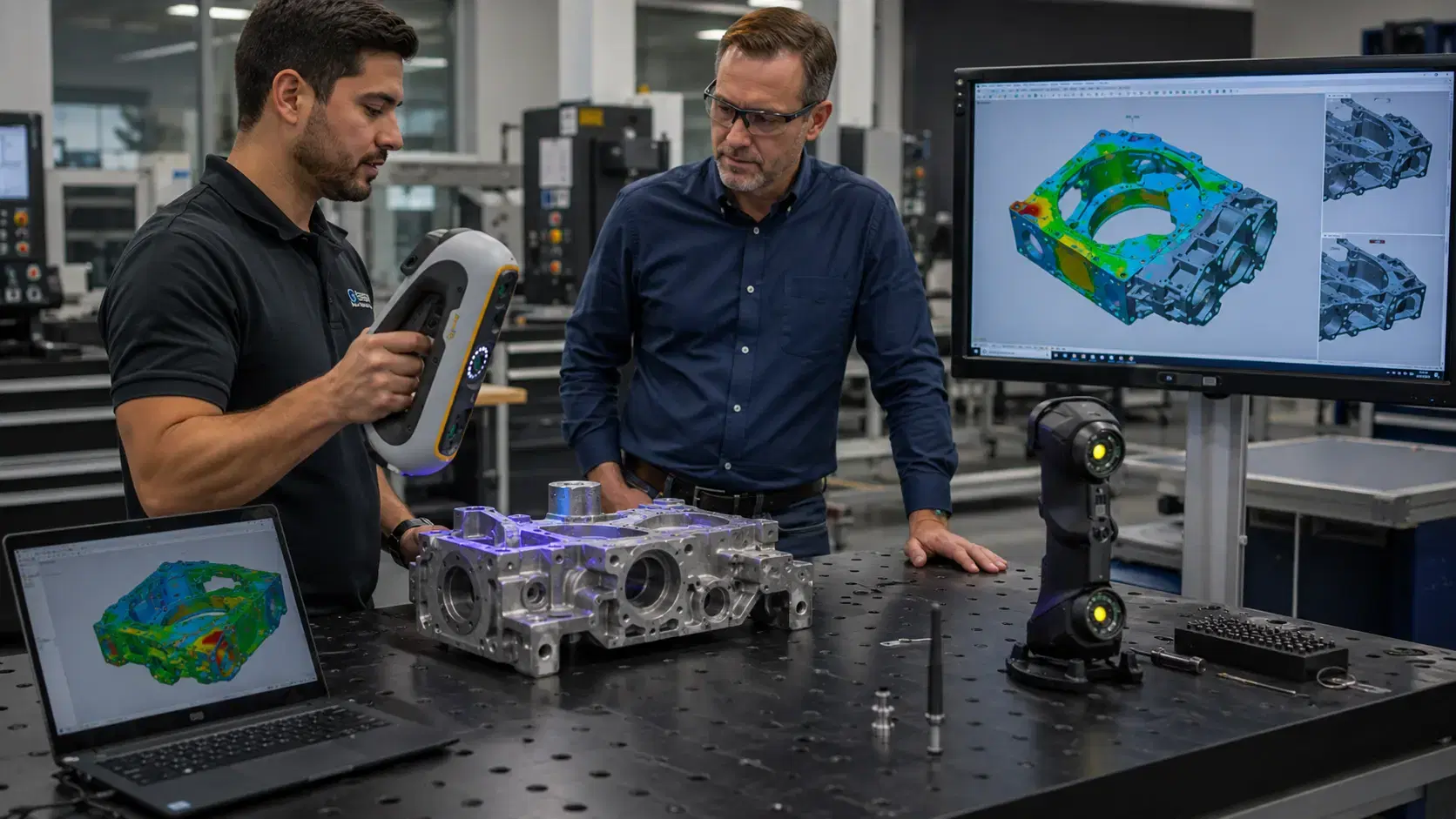
Buying the wrong 3D scanner is not a small mistake. It can leave your QA team with reports nobody trusts, your engineers with mesh data they cannot turn into CAD, and your production floor with a system that sits in a case after the first demo.
That is why choosing a Creaform 3D scanner reseller Texas manufacturers can work with face to face matters. The scanner is only one part of the purchase. The real value comes from application fit, demo quality, training, service, and honest guidance before the quote goes out.
For Texas shops working in aerospace, automotive, oil and gas, machining, fabrication, product development, and industrial maintenance, the question is not just where to buy. It is who can help you choose the right system for the parts you actually make.
What an Authorized Creaform Reseller Should Do Before Selling You Anything
A good reseller should slow the conversation down before talking about price.
They should ask what you inspect, what tolerance range matters, what file output you need, and how often the work repeats. A shop doing weekly first-article inspection does not need the same setup as a team scanning one large composite tool per month.
They should also ask about the part itself. Size, surface finish, reflectivity, geometry, fixturing, and access all affect scanner selection.
A polished machined part, a black molded housing, a 12-foot welded frame, and a legacy casting with missing CAD all create different measurement problems. If every answer sounds like “buy the same scanner,” that is a warning sign.
The reseller should also talk about the workflow after scanning. Inspection teams may need color deviation maps, GD&T reports, and repeatable alignment. Engineering teams may need scan-to-CAD files, STEP models, or reverse engineering support.
The scanner captures data. The workflow makes that data useful.
Why Local Support Matters When You Buy Creaform HandySCAN Texas
When a Texas manufacturer searches to buy Creaform HandySCAN Texas, the purchase usually starts with specs. That makes sense, but specs alone do not show how the system behaves on your actual parts.
HandySCAN BLACK Elite, for example, offers 0.025 mm accuracy, 0.025 mm measurement resolution, and 1,300,000 measurements per second. Those numbers make it a serious tool for dimensional inspection, reverse engineering, tooling checks, and high-detail surface capture.
But the real question is whether it fits your workflow.
Can your team scan the part without moving it? Can the operator reach the backside? Does the part need targets? Is the surface too shiny? Does the output need to go into SOLIDWORKS, PolyWorks, Geomagic, or inspection software?
A local reseller should help answer those questions in a demo, not after the purchase order is signed.
That is especially important for first-time scanner buyers. Training, setup habits, alignment strategy, file management, and report templates can decide whether the scanner becomes a daily tool or an expensive experiment.
Matching the Creaform Scanner Lineup to Real Manufacturing Jobs
Creaform has a broad scanner lineup because manufacturing work is not one-size-fits-all.
HandySCAN BLACK fits high-accuracy portable scanning. It is a strong option for machined parts, tooling, molds, fixtures, reverse engineering, and dimensional inspection where detail matters. Its recommended part size range is 0.05 m to 4 m.
HandySCAN PRO gives teams a professional-grade path for scan-to-CAD, product development, and reverse engineering. It reaches up to 0.030 mm accuracy and uses 23 blue laser lines, making it useful when engineering teams need clean geometry without stepping into the highest tier of scanner.
HandySCAN MAX is built for large parts. The MAX Elite reaches 0.075 mm accuracy, scans up to 2,250,000 measurements per second, and supports recommended part sizes from 1 m to 15 m. That makes it relevant for large tools, structures, assemblies, molds, and transportation parts.
MetraSCAN BLACK+ fits shop-floor metrology where part movement, large volume, complex surfaces, or production conditions make inspection harder. The Elite version reaches 0.025 mm accuracy and 1,800,000 measurements per second with 30 blue laser lines plus an extra line.
Go!SCAN SPARK fits fast design capture, product development, and full-color scanning. It reaches up to 0.050 mm accuracy and captures 1,500,000 measurements per second. It is often better for design context than tight production inspection.
Peel 3 gives teams an accessible scanner for general reverse engineering, education, design, and workshop scanning. It reaches up to 0.050 mm accuracy and supports recommended object sizes from 0.1 m to 3.0 m.
HandyPROBE is a portable optical CMM probe, not a scanner. It helps when you need to measure hole centers, datums, edges, and discrete features that require touch-point measurement.
MaxSHOT 3D supports large-scale photogrammetry. With volumetric accuracy listed at 0.015 mm/m, it helps when large parts need stable measurement over longer distances.
CUBE-R and MetraSCAN 3D-R fit automated quality control. The MetraSCAN-R BLACK+ Elite HD reaches 3,000,000 measurements per second, which makes sense when the same inspection routine repeats often enough to justify automation.
What to Expect During a Serious Scanner Demo
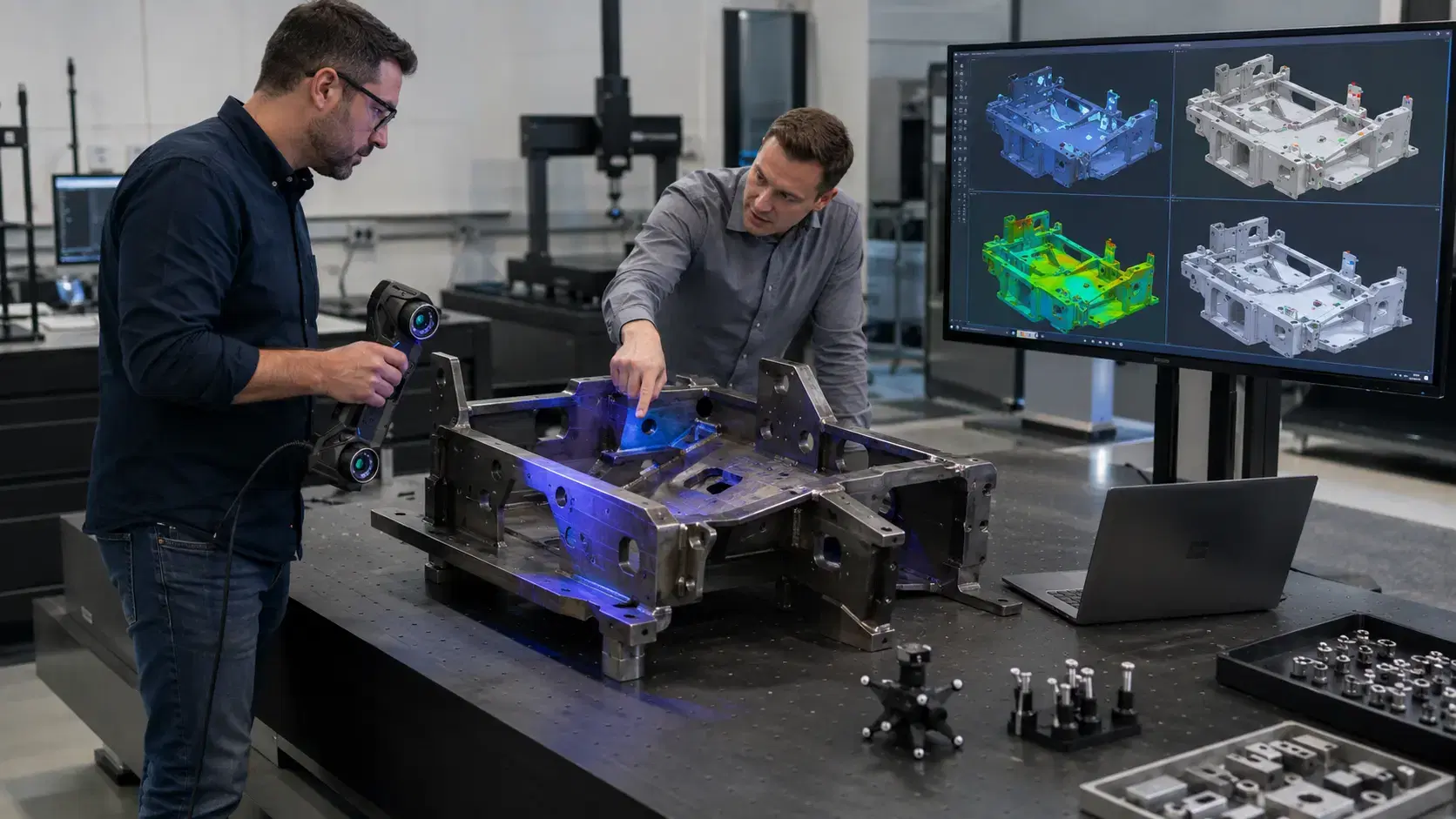
A useful demo should involve your part, your tolerance range, and your deliverable.
A clean sample artifact can show basic scanning speed, but it will not reveal the problems your team faces every week. Bring the cast part with draft. Bring the welded assembly that moves after cooling. Bring the shiny housing. Bring the large fixture that nobody wants to move to the CMM room.
During the demo, watch how the reseller handles alignment. Do they explain datum selection? Do they show best-fit versus feature-based alignment? Do they discuss why one setup gives a better inspection result than another?
Also ask to see the final output. A color map may look impressive, but your team may need a formal inspection report, mesh file, STEP model, or CAD reference.
A strong demo should show the whole path: scan, align, inspect or model, export, and explain. Anything less leaves too many questions unanswered.
Red Flags When Choosing a 3D Scanner Reseller
Be careful if the reseller only talks about accuracy. Accuracy matters, but it does not cover scan volume, surface behavior, software, training, reporting, or operator skill.
Be careful if they avoid application details. A scanner that works well on a 6-inch machined bracket may not be right for a 10-foot composite tool or a high-volume automated inspection cell.
Be careful if they cannot explain software. Hardware gets attention, but software decides whether your team can produce inspection reports, reverse engineering data, or CAD-ready files.
Be careful if the demo does not include your real part. Your part will reveal lighting issues, surface problems, access limits, and alignment challenges faster than any brochure.
Be careful if post-sale support sounds vague. A reseller should be ready to help with training, workflow setup, scanner selection, software fit, and future expansion.
FAQ: Buying From a Creaform 3D Scanner Reseller in Texas
Where can I buy a Creaform 3D scanner in Texas?
You can buy through an authorized Creaform reseller that supports Texas manufacturers with product selection, demos, quotes, training, and application guidance. Dynamic 3D is based in Allen, Texas and works with Creaform scanner systems for inspection, reverse engineering, and product development.
Which Creaform scanner should I buy first?
It depends on your application. HandySCAN BLACK fits high-accuracy portable scanning, MetraSCAN BLACK+ fits demanding shop-floor inspection, HandySCAN MAX fits larger parts, and Go!SCAN SPARK or Peel 3 may fit design and general reverse engineering workflows.
Should I buy a scanner or start with 3D scanning services?
Start with services if your need is occasional or project-based. Buy a scanner when inspection, reverse engineering, or scan-to-CAD work happens often enough that outside services slow your team down.
What should I bring to a scanner demo?
Bring a real part, a CAD file if available, tolerance requirements, and a clear deliverable request. The best demo should show whether the scanner can solve your actual measurement problem, not just scan a clean sample part.
The Right Reseller Helps You Avoid the Expensive Middle Ground
The worst scanner purchase is not always the cheapest one. It is the one that almost fits.
Almost accurate enough. Almost fast enough. Almost right for the software workflow. Almost usable by the team after the trainer leaves.
A good reseller helps you avoid that middle ground. They test the application, explain the tradeoffs, and recommend the scanner that fits the work instead of forcing every job into the same product.
If you're evaluating Creaform scanners for your facility, Dynamic 3D offers hands-on demos at our Allen, Texas location. Request a demo or get a quote and talk directly with a metrology expert, not a salesperson.