Learn how Creaform 3D scanners support quality control, CAD modeling, reverse engineering, inspection, and product design with accurate scan data.
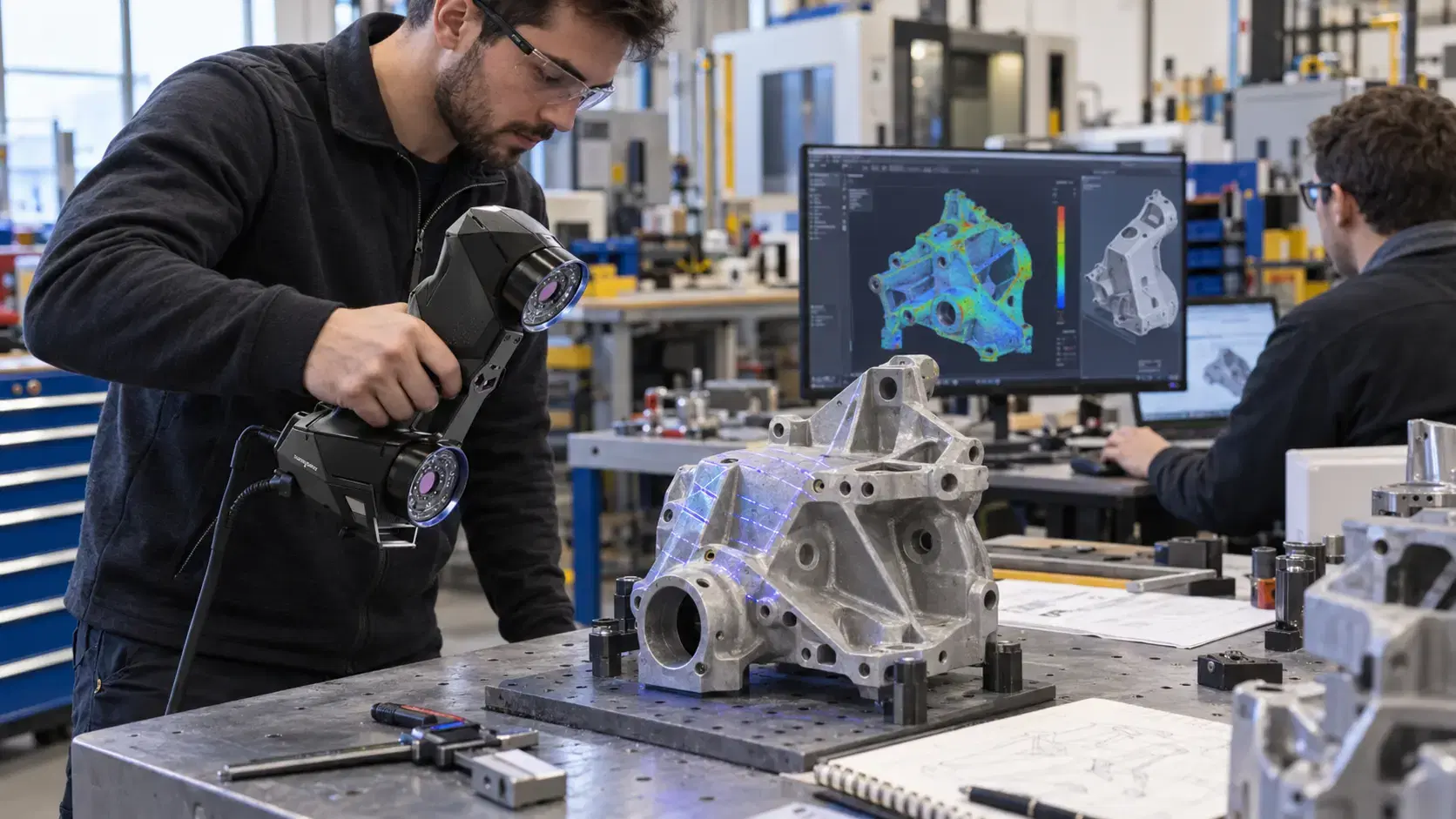
Manufacturers need measurement tools that can keep up with complex parts, tighter timelines, and faster design changes.
That is why creaform 3d scanners are used in quality control, CAD modeling, reverse engineering, and product design workflows. Instead of relying only on manual measurement or fixed inspection setups, teams can capture physical geometry and turn it into useful digital data.
For engineers, inspectors, and product teams, the value is practical. A real part can be scanned, compared, modeled, documented, and improved with more confidence.
Creaform scanners are portable 3D measurement tools used to capture the shape of physical objects.
They collect surface geometry and create digital scan data that can be used for inspection, reverse engineering, CAD comparison, and modeling. Depending on the workflow, the final output may be a mesh, inspection report, deviation map, or scan-to-CAD model.
This helps teams understand real part condition instead of guessing from limited measurements. A part may look correct, but the scan can reveal warping, shrink, wear, twist, or surface variation.
Quality control depends on reliable measurement.
Creaform 3D scanners help inspection teams compare manufactured parts against CAD models. Software can show where a part is high, low, shifted, or outside tolerance. Color maps, sections, feature checks, and dimensional reports make the results easier to understand.
This is useful for first article inspection, supplier checks, tooling validation, production troubleshooting, and repeat inspection.
Instead of only measuring selected points, scanning can capture more of the part surface. That helps quality teams identify patterns, not just isolated errors.
CAD modeling becomes easier when scan data provides a measured starting point.
If a part already exists but the original CAD file is missing, outdated, or inaccurate, scanning can capture the real shape. Engineers can then use scan-to-CAD workflows to rebuild usable digital models.
This is helpful for legacy parts, repaired components, prototypes, hand-built parts, molded housings, castings, and custom fixtures.
The scan does not automatically become manufacturing-ready CAD. It usually needs processing, cleanup, alignment, and engineering review. But it gives teams a strong reference for rebuilding accurate geometry.
Product design often moves through many versions.
A prototype may be shaped by hand, modified in the shop, or changed after testing. Creaform scanners can help capture those physical changes and bring them back into the digital design process.
This supports faster design review because engineers can compare the prototype against the planned CAD model. They can see what changed, what fits, and what needs adjustment before the next version is made.
For product teams, scanning helps connect physical testing with digital improvement.
If you are asking is a 3d scanner worth it, the answer depends on how often your team needs accurate part data.
A scanner is worth it when manual measurement is too slow, parts are complex, CAD files are missing, inspection reports are needed, or production issues require clear evidence.
For some companies, buying a scanner makes sense. For others, using professional scanning services is better because they only need occasional projects or specialized support.
The important question is not only equipment cost. It is how much time, rework, downtime, and uncertainty better measurement can reduce.
Many parts cannot be moved easily.
Large tools, fixtures, machines, molds, vehicles, and installed components may be difficult to bring into a traditional inspection room. Portable scanning allows teams to capture data closer to the part.
This is useful on the shop floor, in maintenance areas, at supplier locations, or during product development reviews.
Portability also helps teams respond faster when a part problem appears during production.
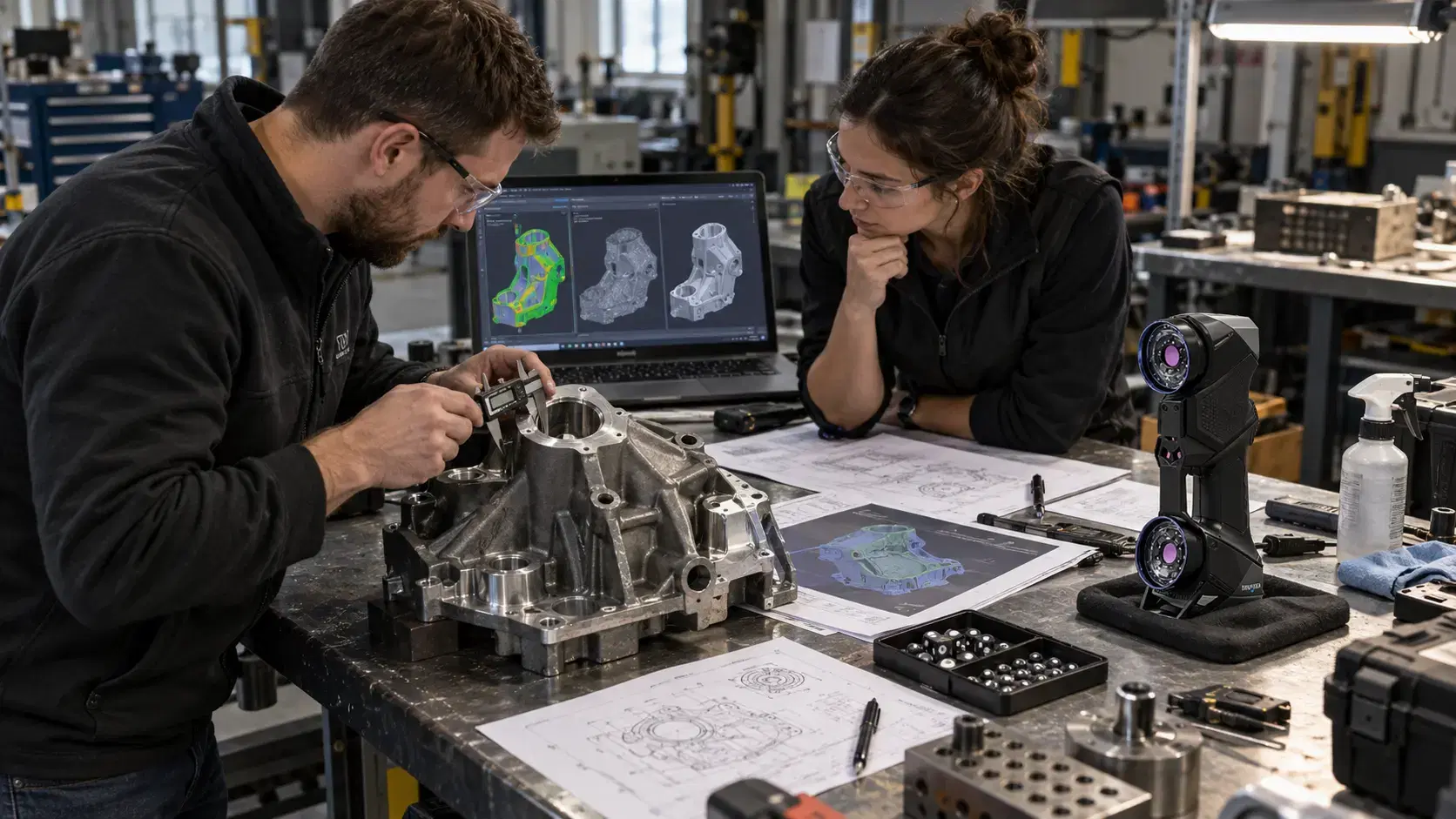
The best results come from choosing the right workflow before scanning begins.
A quality project may need CAD comparison and reports. A reverse engineering project may need scan-to-CAD modeling. A product design project may need mesh data, reference geometry, or updated CAD.
Teams should define part size, material, surface condition, tolerance needs, file formats, and final use before scanning.
That planning helps avoid confusion and rework.
Good planning also helps teams choose whether they need a quick mesh, a detailed inspection report, or a clean CAD model. When the deliverable is clear from the beginning, the scanning process becomes smoother, the quote is easier to understand, and the final data is more useful for real engineering decisions.
Yes. They can support dimensional inspection, CAD comparison, deviation maps, and quality reports.
Yes. Scan data can be processed through scan-to-CAD workflows to create usable engineering files.
Yes. They help capture prototypes, test parts, and physical modifications for digital design review.
No. Some teams benefit more from professional 3D scanning services, depending on project frequency and budget.
Creaform 3d scanners help manufacturers connect physical parts with digital engineering workflows.
They support quality control, CAD modeling, product design, reverse engineering, and inspection by turning real geometry into data teams can measure and use.
Dynamic 3D can help manufacturers choose the right Creaform scanners, scanning services, inspection workflows, scan-to-CAD support, and product design solutions for real production, repair, and engineering needs.
Expand your knowledge with additional resources designed to help engineers, manufacturers, and quality teams make more informed decisions.
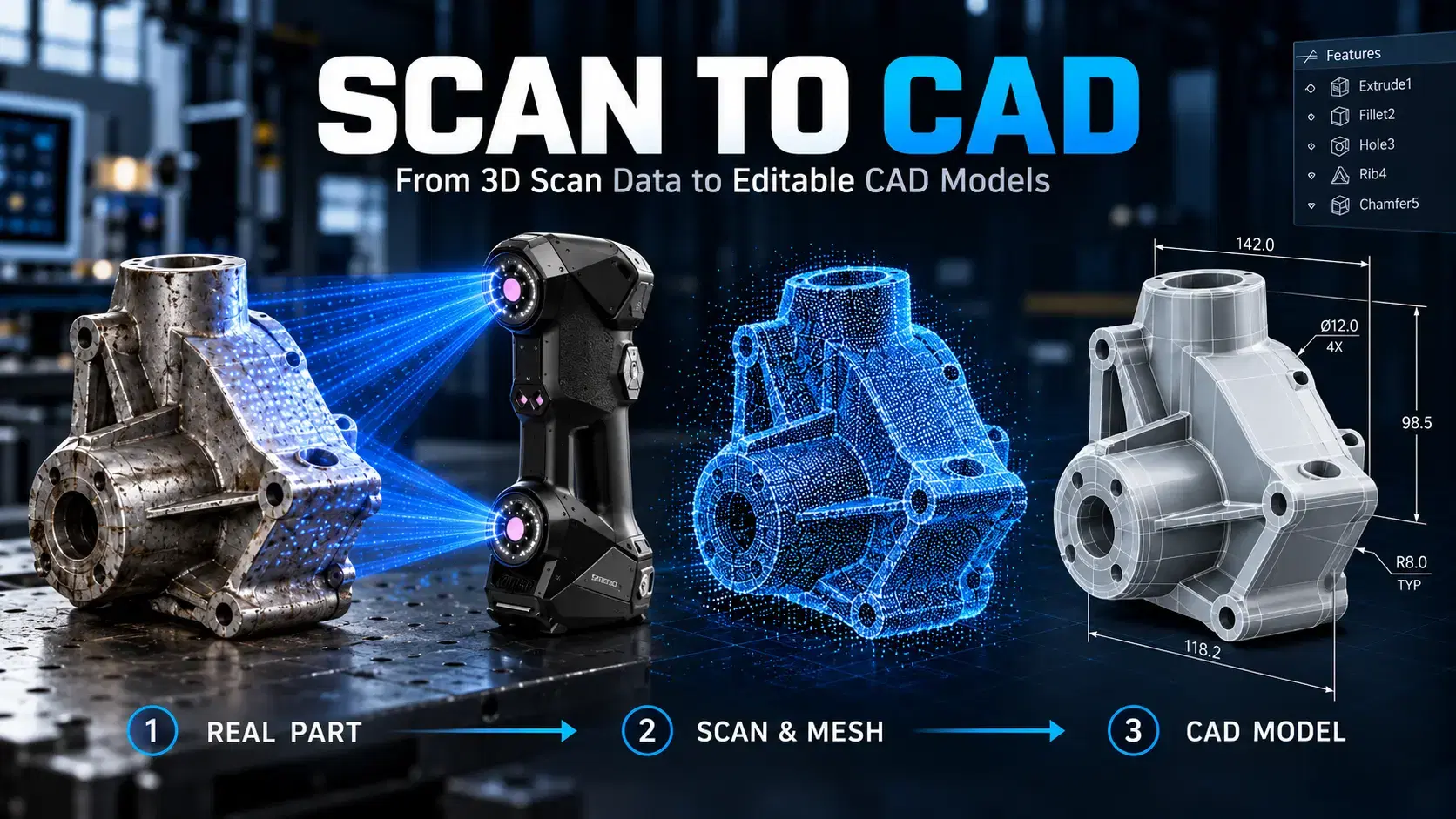

Learn how scan to CAD turns 3D scan data into editable CAD models using mesh cleanup, alignment, feature extraction, verification, and proper file export.

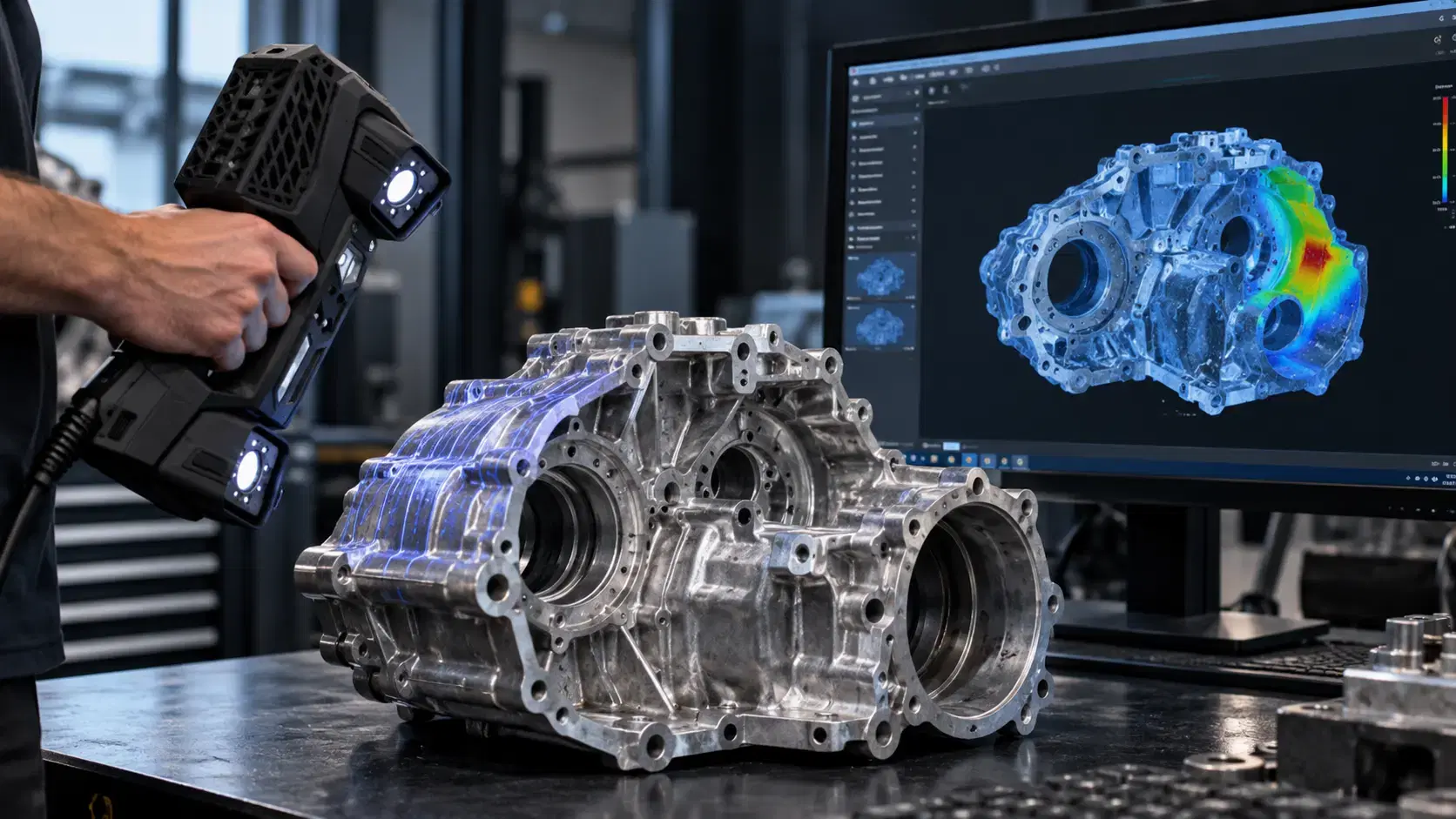
Learn how a three-dimensional scanner captures physical geometry, creates digital scan data, and supports inspection, reverse engineering, CAD, and manufacturing.
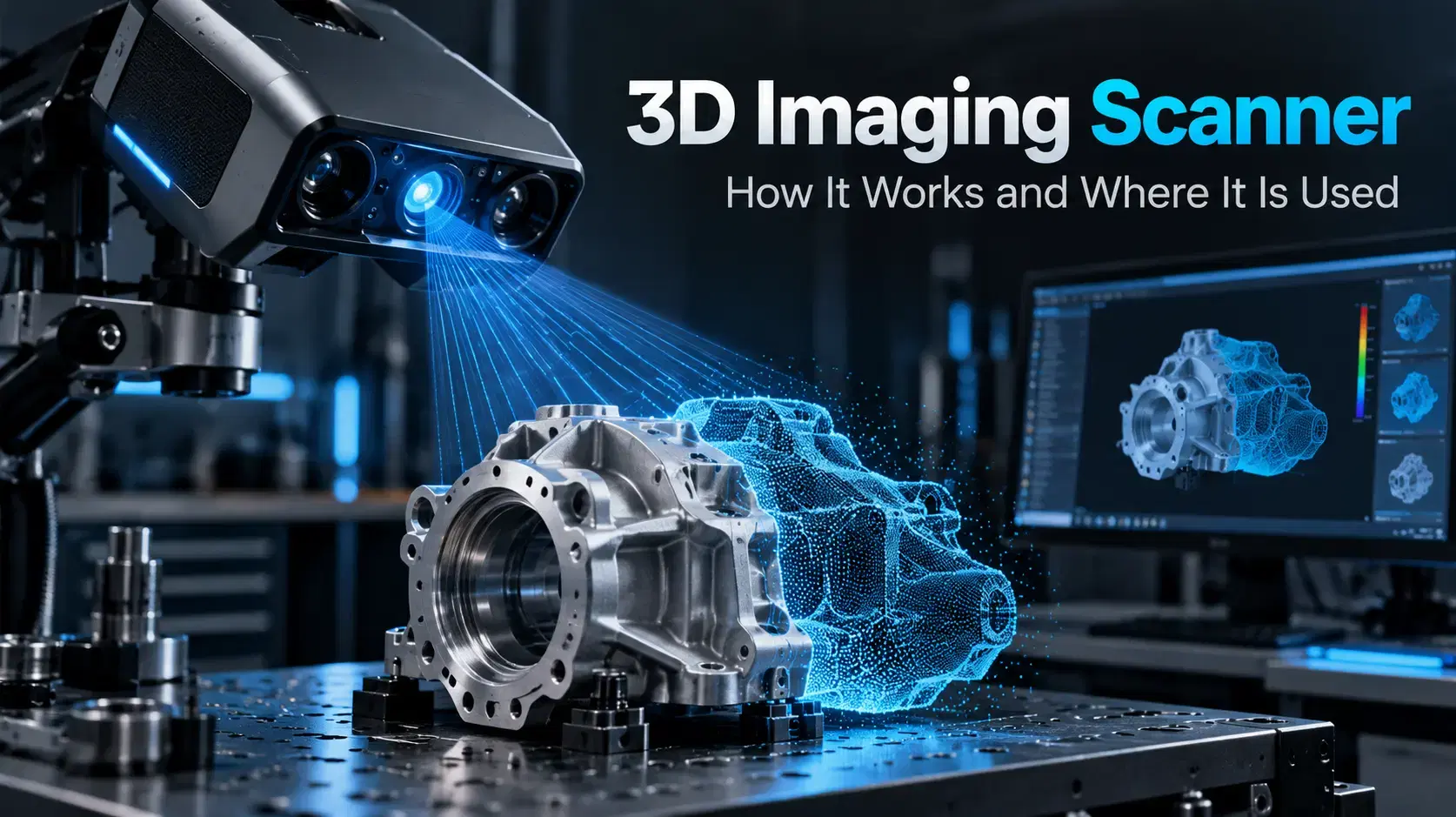
Learn how a 3D imaging scanner captures physical geometry, creates digital models, and supports inspection, reverse engineering, CAD, and industrial workflows.

Whether you're evaluating 3D scanners, inspection software, reverse engineering workflows, or CAD modeling services, our engineering team can help identify the best solution for your application.


