Learn how the Peel 3D scanner supports reverse engineering, product design, 3D printing, inspection, and documentation with practical handheld scanning.
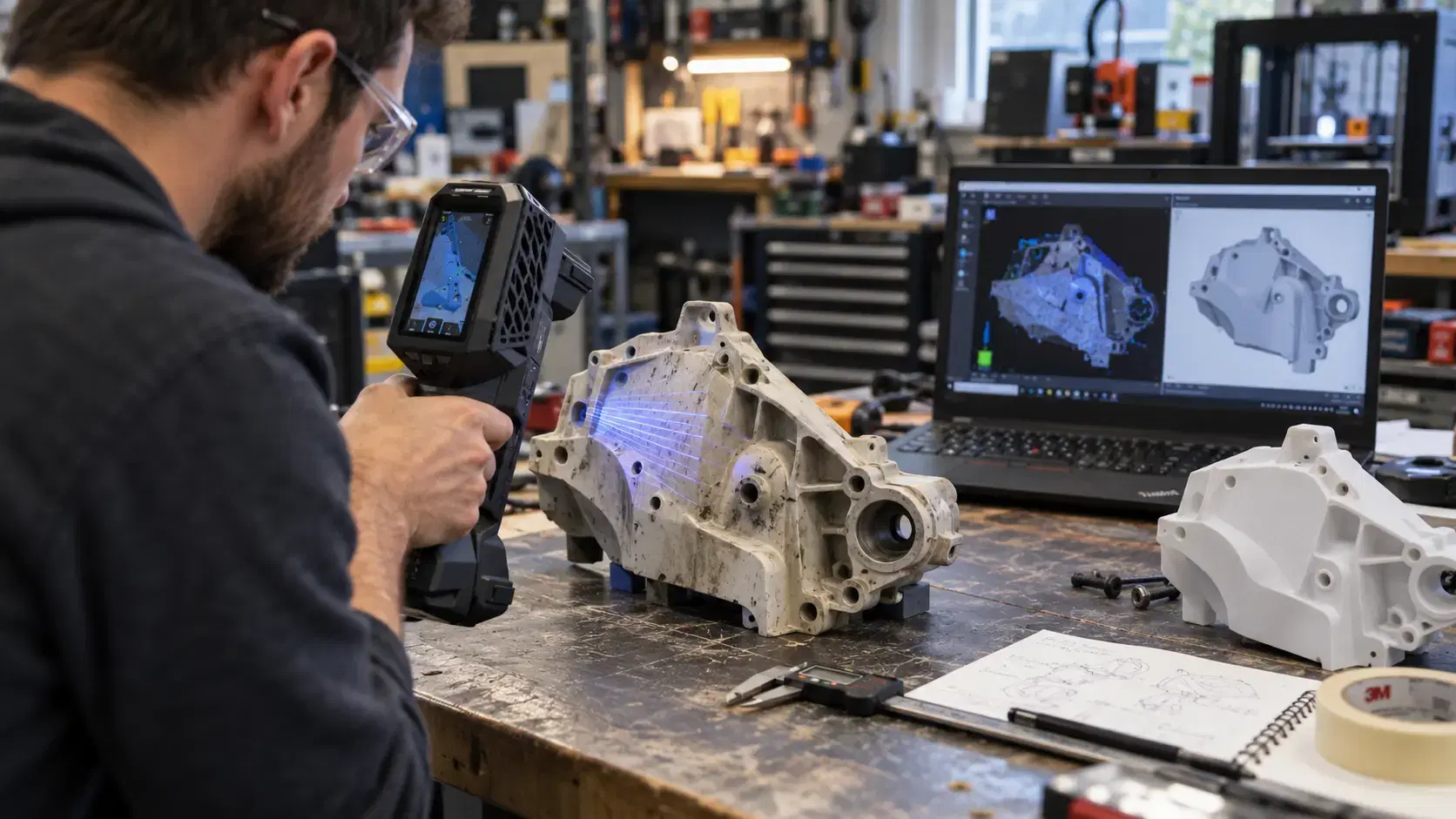
The peel 3d scanner is built for teams that need professional 3D scanning without turning every project into a complicated metrology setup.
It is often considered by product designers, educators, engineers, reverse engineering teams, maintenance groups, and manufacturers that need to capture physical parts and turn them into digital data. Instead of relying only on manual measurements, a handheld scanner can collect surface geometry and create a mesh that supports design, inspection, documentation, and modeling work.
Understanding accuracy, features, and applications helps teams decide whether the Peel 3 fits their workflow.
The Peel 3 is a handheld 3D scanner used to capture the shape of real objects.
The operator moves the scanner around the object while software builds digital scan data in real time. This makes it useful for parts that are difficult to measure with calipers, tape, or basic gauges.
A peel 3 3d scanner can be used for objects with curves, surfaces, holes, edges, and irregular geometry. The scan output can then support reverse engineering, visualization, 3D printing, product development, and CAD reference work.
Peel 3d scanner accuracy depends on the scanner, setup, part condition, operator process, and final deliverable.
Official specifications list accuracy up to 0.050 mm, but results depend on the project. Surface finish, part size, alignment, targets, scanning distance, lighting, and software processing can all affect final data.
Accuracy is not only a number on a spec sheet. A project may need a visual mesh, 3D print file, reverse engineering reference, or CAD comparison. Each use case has different accuracy expectations.
For critical manufacturing work, teams should define tolerance needs before scanning begins.
One useful feature of the Peel 3 is its handheld format.
The scanner can move around the object, which helps when parts are awkward, medium-sized, installed, or difficult to bring into a fixed inspection setup. Its touchscreen and live feedback also help operators understand coverage during scanning.
The system can use geometry, texture, or targets for positioning. Targets can be especially helpful when surfaces are smooth, repetitive, or when accuracy is important.
Software is also part of the value. Scan data can be cleaned, aligned, processed, and exported for different workflows.
Reverse engineering is one of the strongest uses for the Peel 3.
When a physical part exists but CAD is missing, outdated, or inaccurate, scanning gives engineers a measured starting point. The mesh can be used to rebuild surfaces, holes, planes, curves, and functional features.
This is helpful for legacy parts, modified components, prototypes, tooling, fixtures, aftermarket parts, and repair projects.
The scanner does not automatically create perfect CAD. Engineers still need scan-to-CAD work to turn mesh data into usable design geometry. But the scan reduces guesswork and speeds up rebuilding.
Product designers can use Peel 3 scan data to bring physical shapes into the digital design process.
A handmade model, clay form, existing product, ergonomic grip, cover, housing, or prototype can be scanned and reviewed in software. Designers can compare physical changes with digital plans and improve the next version.
For 3D printing, the scan may be exported as a mesh file after cleanup. This can help with custom parts, models, props, educational objects, and design studies.
The key is knowing whether the project needs a mesh only or editable CAD.
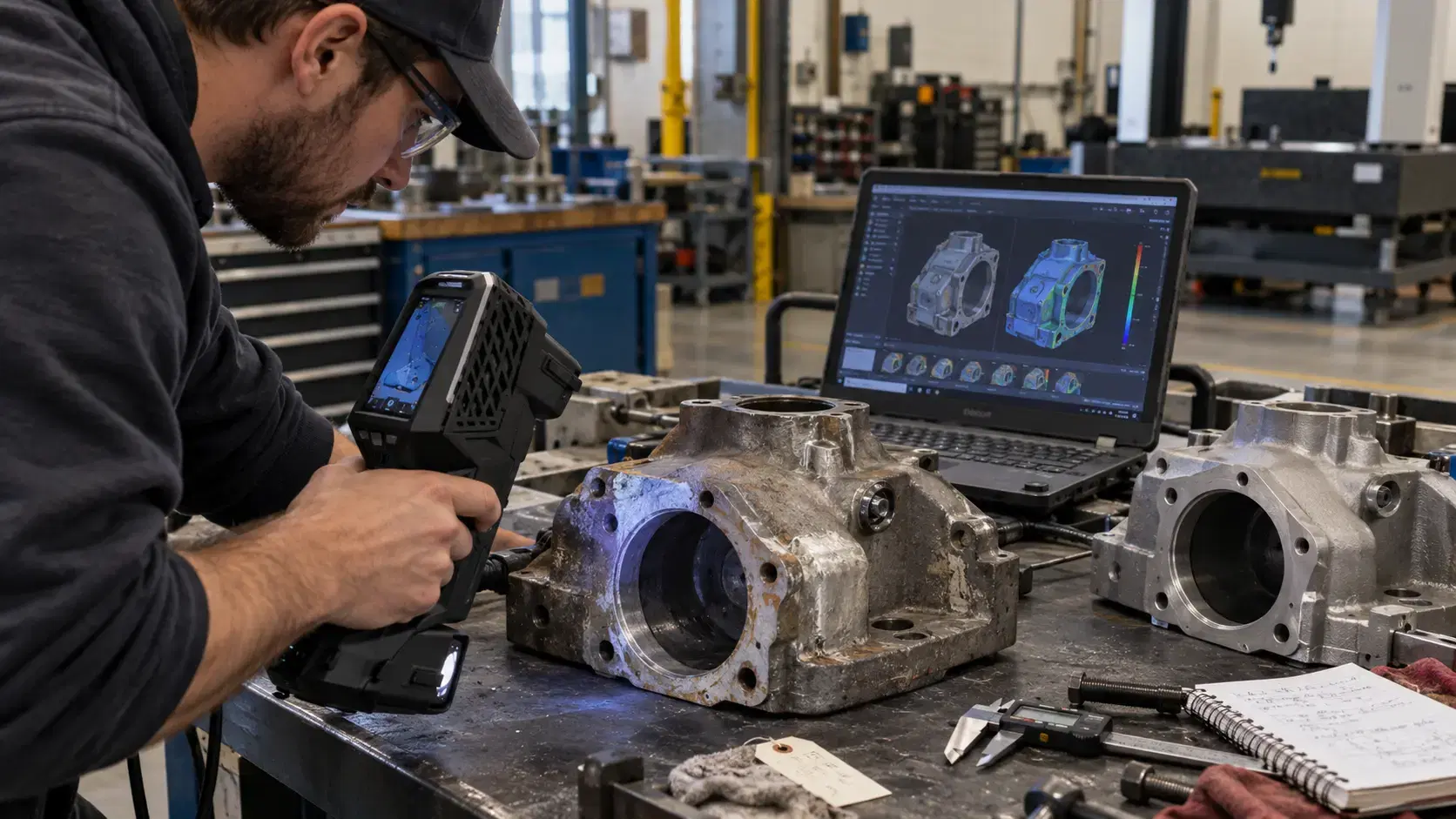
The Peel 3 can help with inspection and documentation tasks.
Teams can scan parts to record condition, compare versions, check design changes, or build digital records. It may support maintenance, repair, and operations when teams need to document worn or modified parts.
For strict quality control, the required tolerance should be reviewed carefully. Some inspection jobs may need higher-end metrology systems, while others may fit the Peel 3 workflow well.
Choosing the right tool depends on the measurement requirement.
If you are asking is a 3d scanner worth it, the answer depends on how often your team needs physical-to-digital data.
It can be worth it when parts are complex, manual measurement is slow, CAD files are missing, or repeat scanning saves time. For occasional projects, professional scanning services may be more practical than buying equipment.
The best decision compares equipment cost with saved time, reduced rework, better documentation, and faster design decisions.
It can create scan data that supports CAD reconstruction, especially with scan-to-CAD software and engineering review.
It can scan many physical objects, including product models, components, fixtures, prototypes, and maintenance parts.
It is designed to be accessible, but good results still require setup, practice, and workflow planning.
Yes, but the required accuracy depends on whether the goal is visualization, printing, reverse engineering, or inspection.
The Peel 3D scanner is useful when teams need practical, handheld 3D scanning for design, reverse engineering, modeling, documentation, and inspection work.
Its value comes from matching the scanner, software, setup, and deliverable to the project goal.
Dynamic 3D can help teams evaluate Peel 3D scanner options, compare Creaform technologies, plan scan-to-CAD workflows, and choose scanning services or equipment based on real engineering, product design, and manufacturing needs.
Expand your knowledge with additional resources designed to help engineers, manufacturers, and quality teams make more informed decisions.
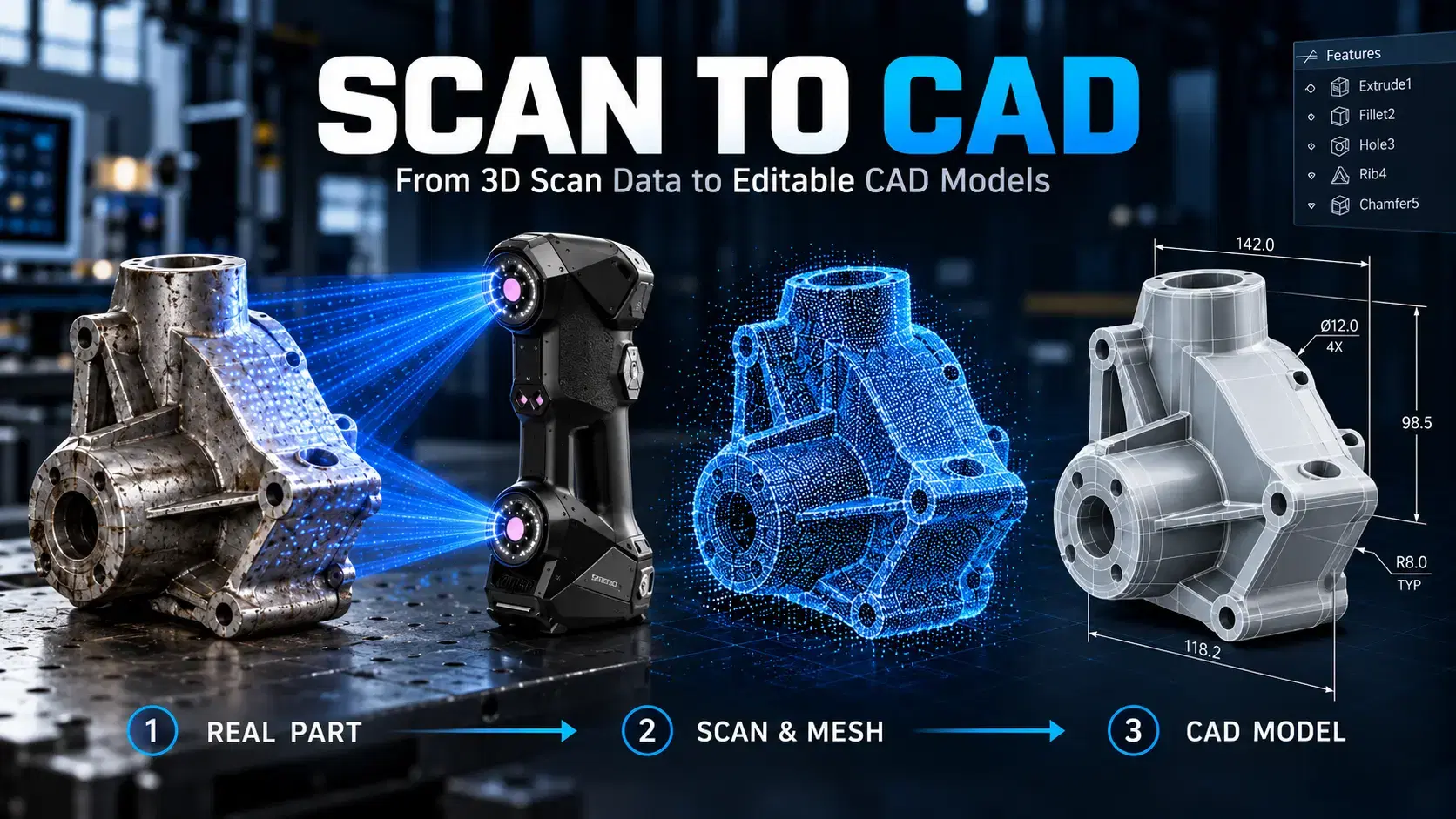

Learn how scan to CAD turns 3D scan data into editable CAD models using mesh cleanup, alignment, feature extraction, verification, and proper file export.

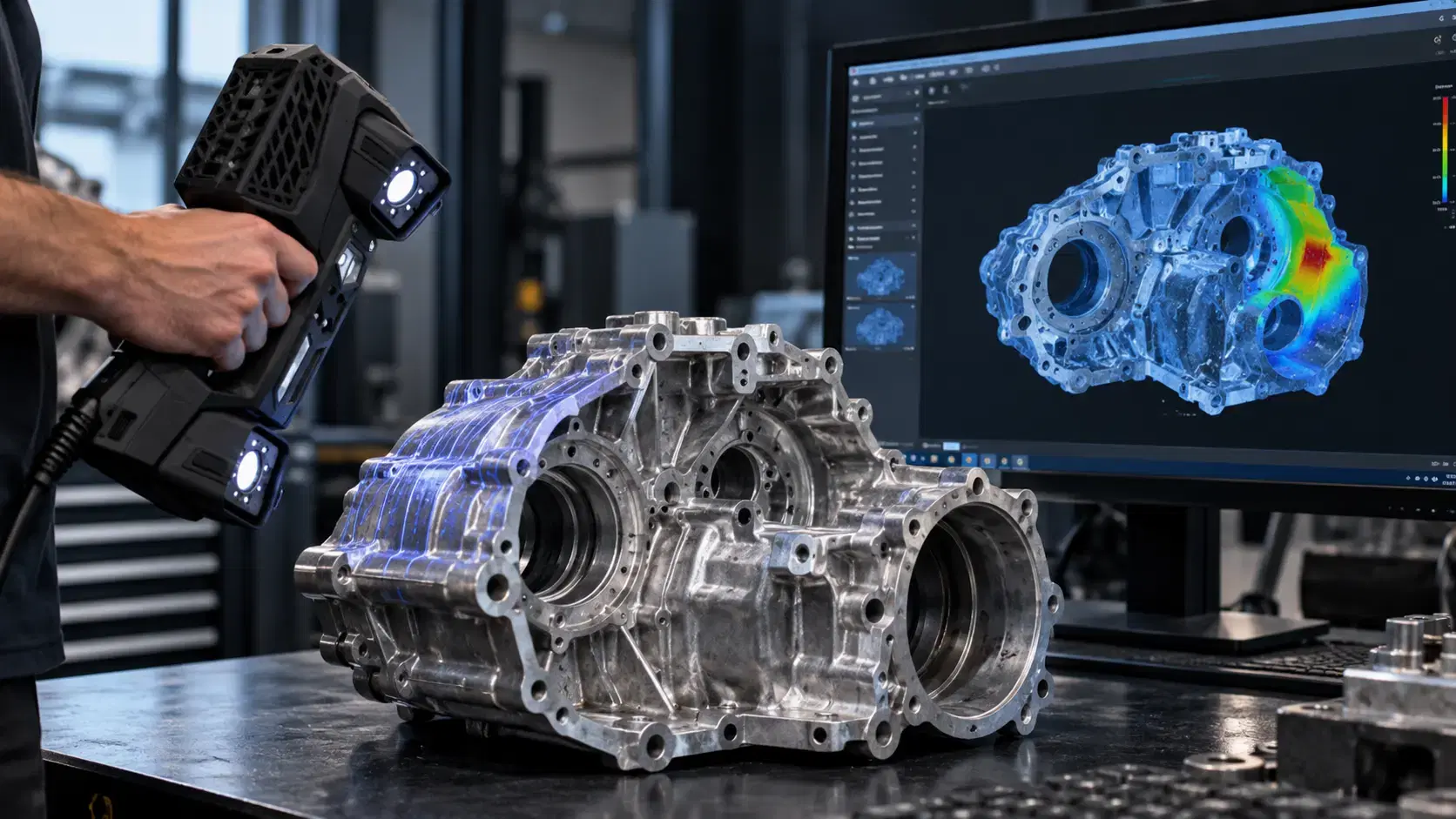
Learn how a three-dimensional scanner captures physical geometry, creates digital scan data, and supports inspection, reverse engineering, CAD, and manufacturing.
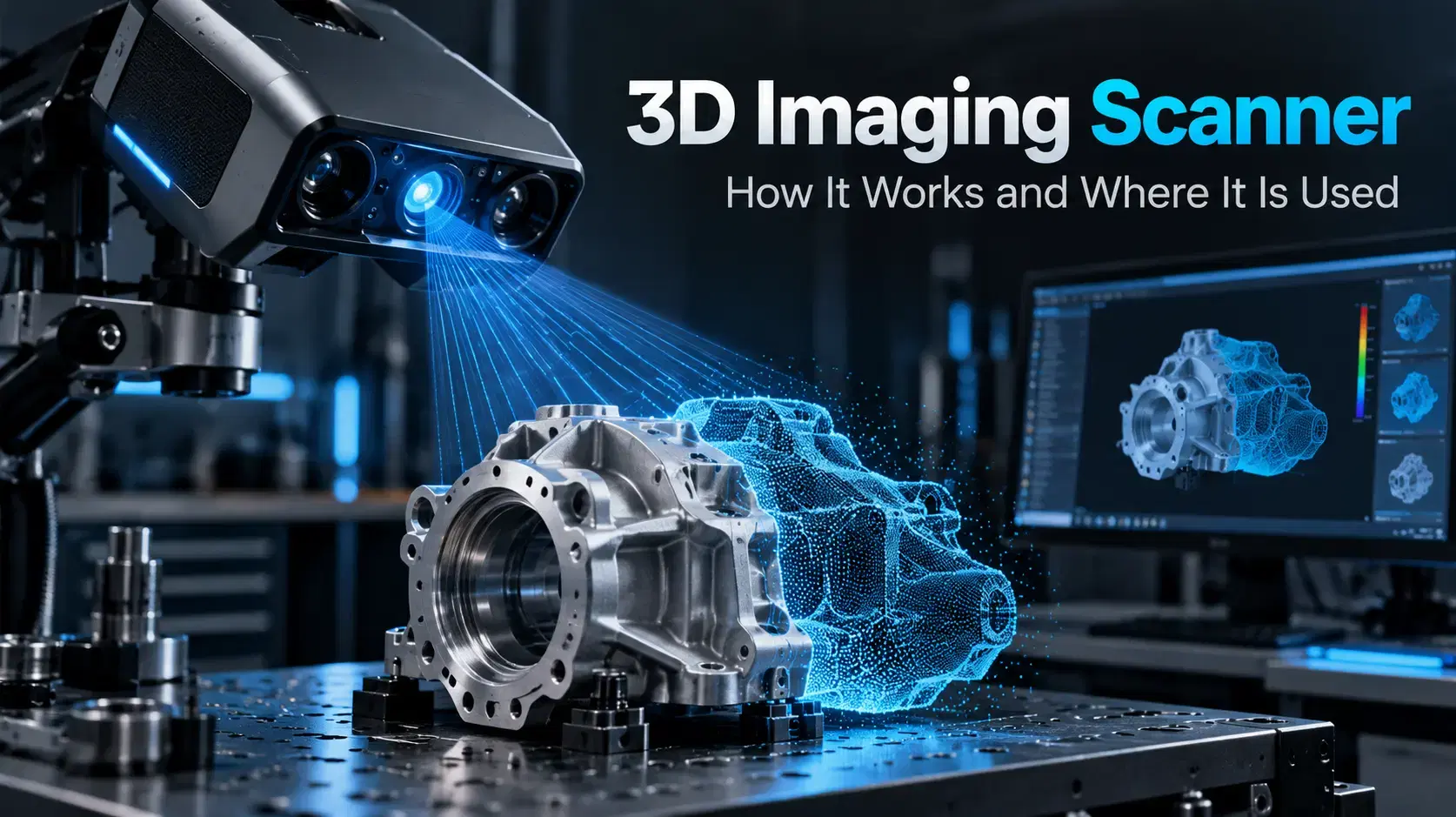
Learn how a 3D imaging scanner captures physical geometry, creates digital models, and supports inspection, reverse engineering, CAD, and industrial workflows.

Whether you're evaluating 3D scanners, inspection software, reverse engineering workflows, or CAD modeling services, our engineering team can help identify the best solution for your application.


