Learn how rapid scan captures physical objects quickly, creates usable 3D mesh data, and supports design, reverse engineering, color capture, and faster product decisions.
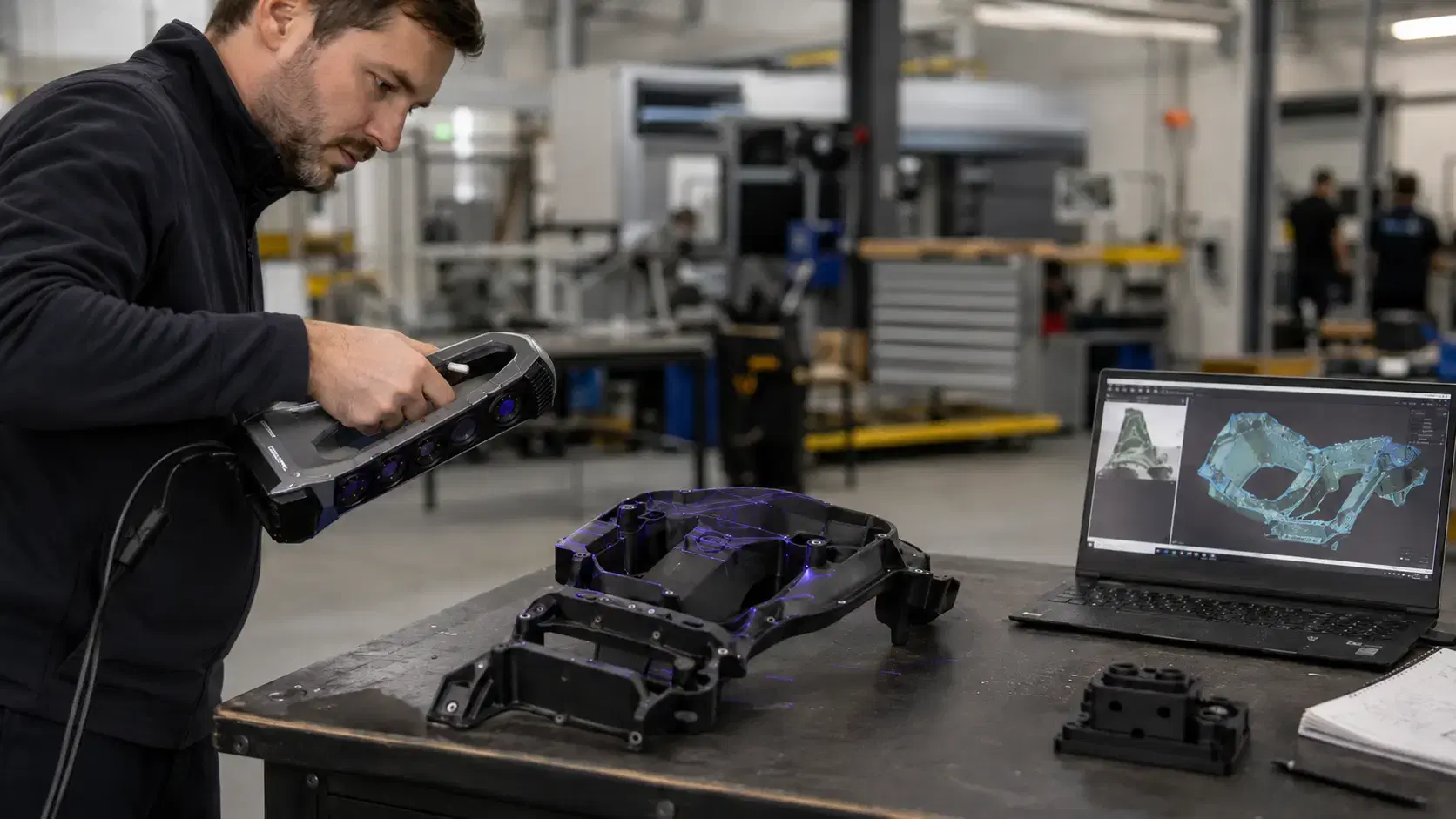
A slow scan can change the whole rhythm of a design review.
The part is sitting on the table. The engineer needs surface data before the next change. The designer wants color texture. The quality team wants to know whether the prototype matches the model. Waiting hours for setup, target placement, and cleanup can slow the decision.
That is why rapid scan matters. It gives teams a faster way to capture physical objects and turn them into usable digital data without making every scan feel like a lab project.
If you are asking what is rapid scan, think of it as a fast 3D capture process built around speed, portability, and simple setup.
A rapid scan 3d workflow captures the shape of a physical part using a handheld 3D scanner. The scanner collects surface data from multiple angles, then software builds a digital mesh that represents the object.
The goal is not only to scan quickly. The goal is to get useful data fast enough to support a real decision.
That decision may involve product design, reverse engineering, visual documentation, inspection support, 3D printing, or customer approval.
Before scanning, the operator looks at size, surface finish, geometry, color, reflectivity, and access. A matte plastic cover is usually easier to scan than a chrome part. A textured prototype may give the scanner more natural tracking detail than a smooth surface.
The part is then positioned. Dust, oil, fingerprints, and loose debris can affect data quality.
For many scanning jobs, the setup is simple. The part may sit on a table, stand, fixture, or inspection bench. If the scanner can track geometry naturally, the operator may not need many positioning targets.
The Go!SCAN SPARK 3D Scanner fits rapid capture work because it is designed for fast, user-friendly scanning.
Creaform lists Go!SCAN SPARK with up to 0.050 mm accuracy, 1,500,000 measurements per second, and 99 white-light scanning lines. It also captures 24-bit color texture, which matters when visual detail is part of the deliverable.
That combination works well for product development, heritage parts, ergonomic models, castings, molded parts, packaging, design references, and objects where shape and appearance both matter.
The operator moves the scanner around the object while watching live feedback on screen. Missed areas appear during capture, so the operator can adjust angle, distance, and coverage before finishing the scan.
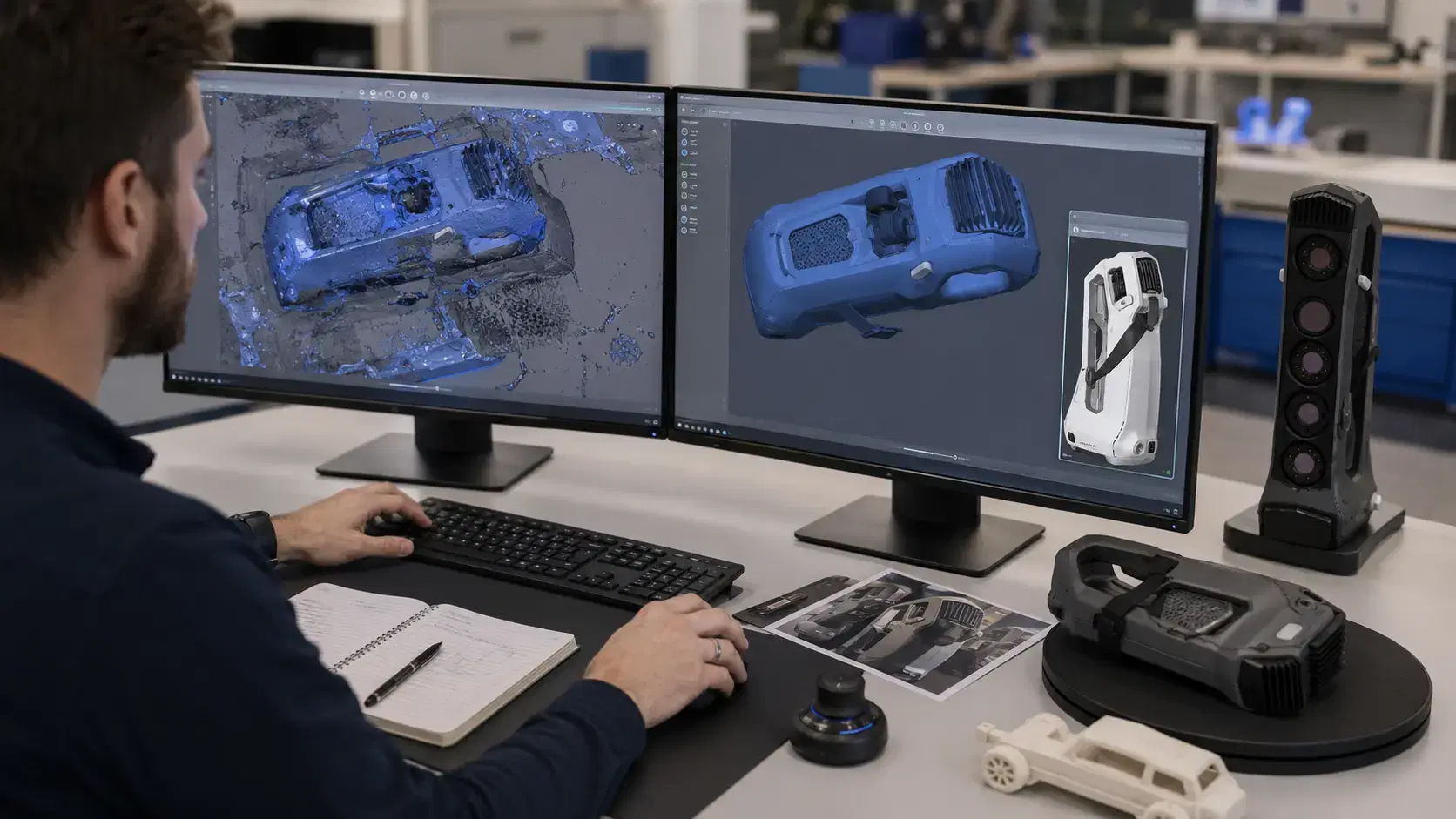
After scanning, the data usually needs cleanup.
The operator removes unwanted background geometry, trims rough edges, aligns scan passes, and fills small holes where appropriate. This stage makes the mesh easier to use downstream.
Cleanup should not erase important information. If the part has wear, deformation, or hand modifications, those details may be the reason the scan was needed.
For design work, the mesh may be exported as STL, OBJ, or PLY. For engineering work, it may become a reference for scan-to-CAD modeling, measurement, or comparison against an existing file.
Rapid scanning helps most when teams need physical reality in the digital workflow quickly.
A design team can scan a hand-shaped prototype before changing CAD. A manufacturer can scan a sample part when supplier files are missing. A restoration team can capture a damaged component before repair. A marketing team can create a full-color digital asset from a product sample.
It also helps during iteration. Instead of waiting for a formal measurement process every time the prototype changes, teams can capture the latest version and keep moving.
The first mistake is assuming faster means careless.
A rapid scan still needs good distance, coverage, lighting, and stable positioning. Moving too fast can leave holes or noisy data.
The second mistake is using the wrong output. A mesh for visualization is not the same as a CAD model for manufacturing. Decide the deliverable before scanning starts.
The third mistake is ignoring surface behavior. Transparent, shiny, black, or reflective parts may need extra prep to scan cleanly during normal rapid scanning work.
Rapid scan is used to capture physical parts quickly for design, reverse engineering, documentation, visualization, and 3D printing workflows. It helps teams get measured shape data without a long setup process.
It can be, depending on the scanner, part, and tolerance. Go!SCAN SPARK offers up to 0.050 mm accuracy, which suits many design, development, and reverse engineering support tasks.
Yes. Go!SCAN SPARK captures 24-bit color texture, making it useful when both geometry and visual appearance matter.
No. Some objects can be scanned using geometry, texture, or color for positioning. Simple, shiny, or featureless parts may still need targets or surface preparation.
Rapid scanning works best when the team knows what the data needs to do.
If the goal is design review, color texture may matter. If the goal is reverse engineering, scan-to-CAD output may matter. If the goal is inspection support, alignment and reporting matter.
Dynamic 3D can help teams evaluate Go!SCAN SPARK, rapid scan workflows, and scan-to-CAD options for product development, reverse engineering, and digital part capture.
Expand your knowledge with additional resources designed to help engineers, manufacturers, and quality teams make more informed decisions.
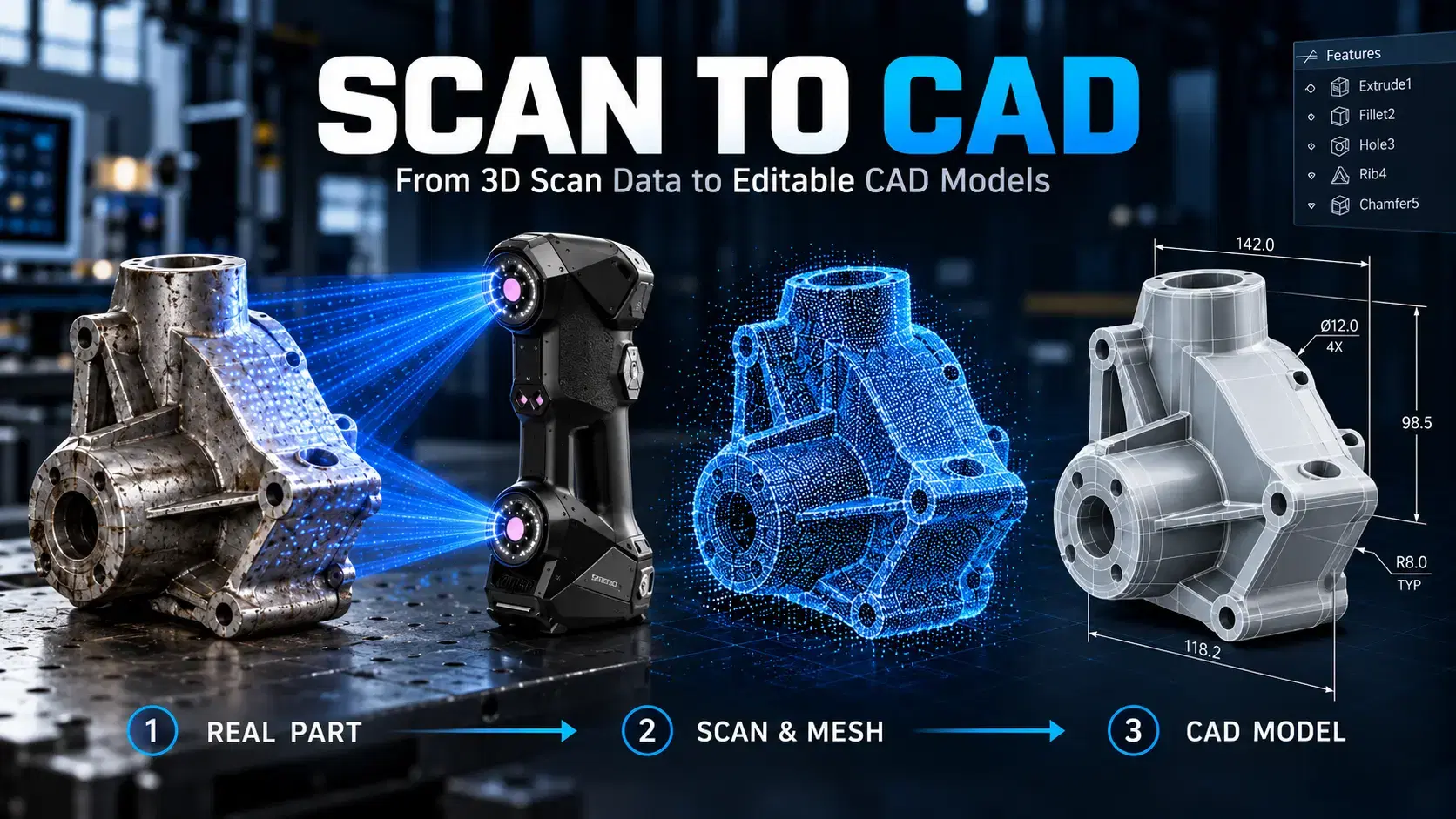

Learn how scan to CAD turns 3D scan data into editable CAD models using mesh cleanup, alignment, feature extraction, verification, and proper file export.

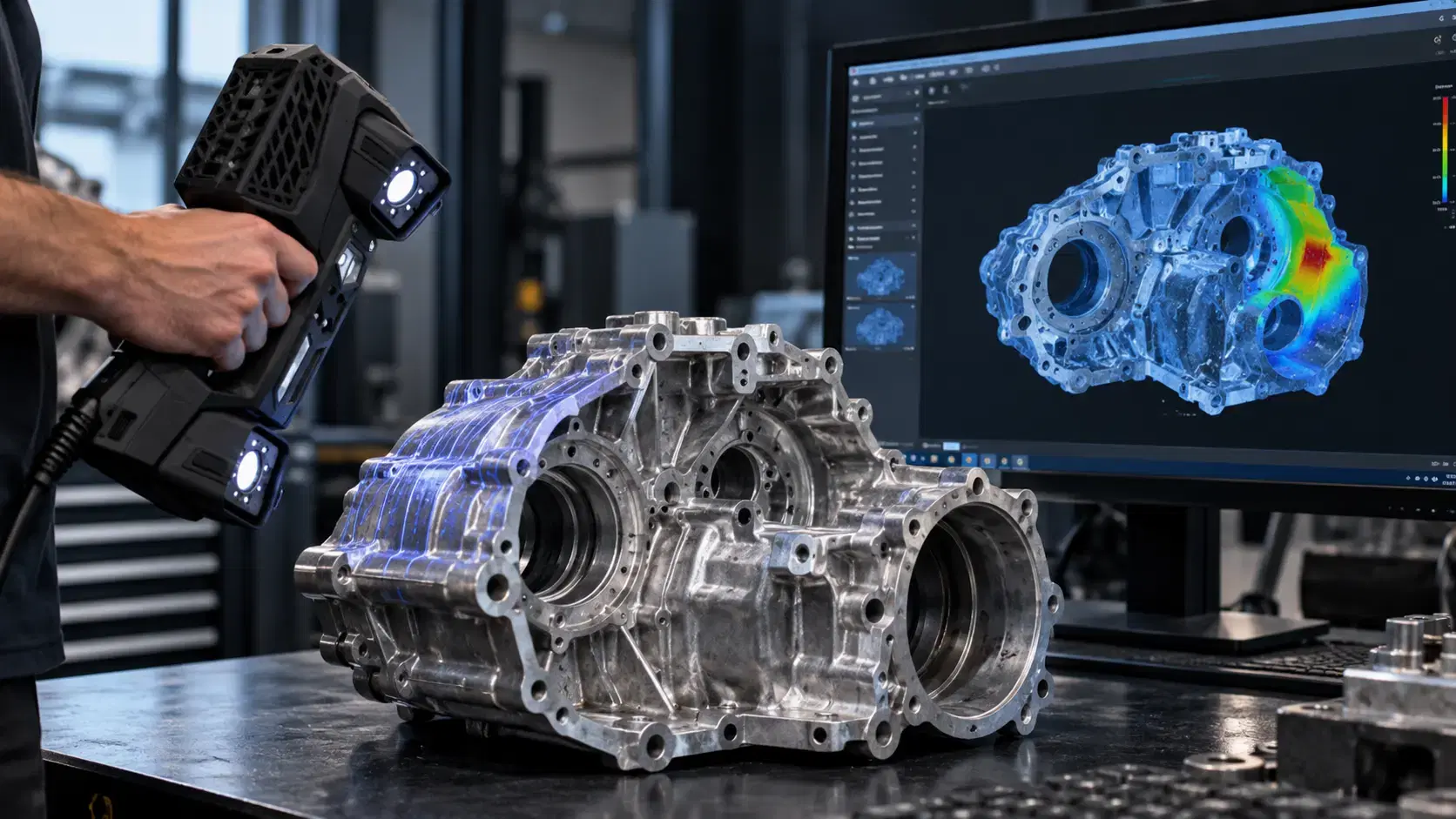
Learn how a three-dimensional scanner captures physical geometry, creates digital scan data, and supports inspection, reverse engineering, CAD, and manufacturing.
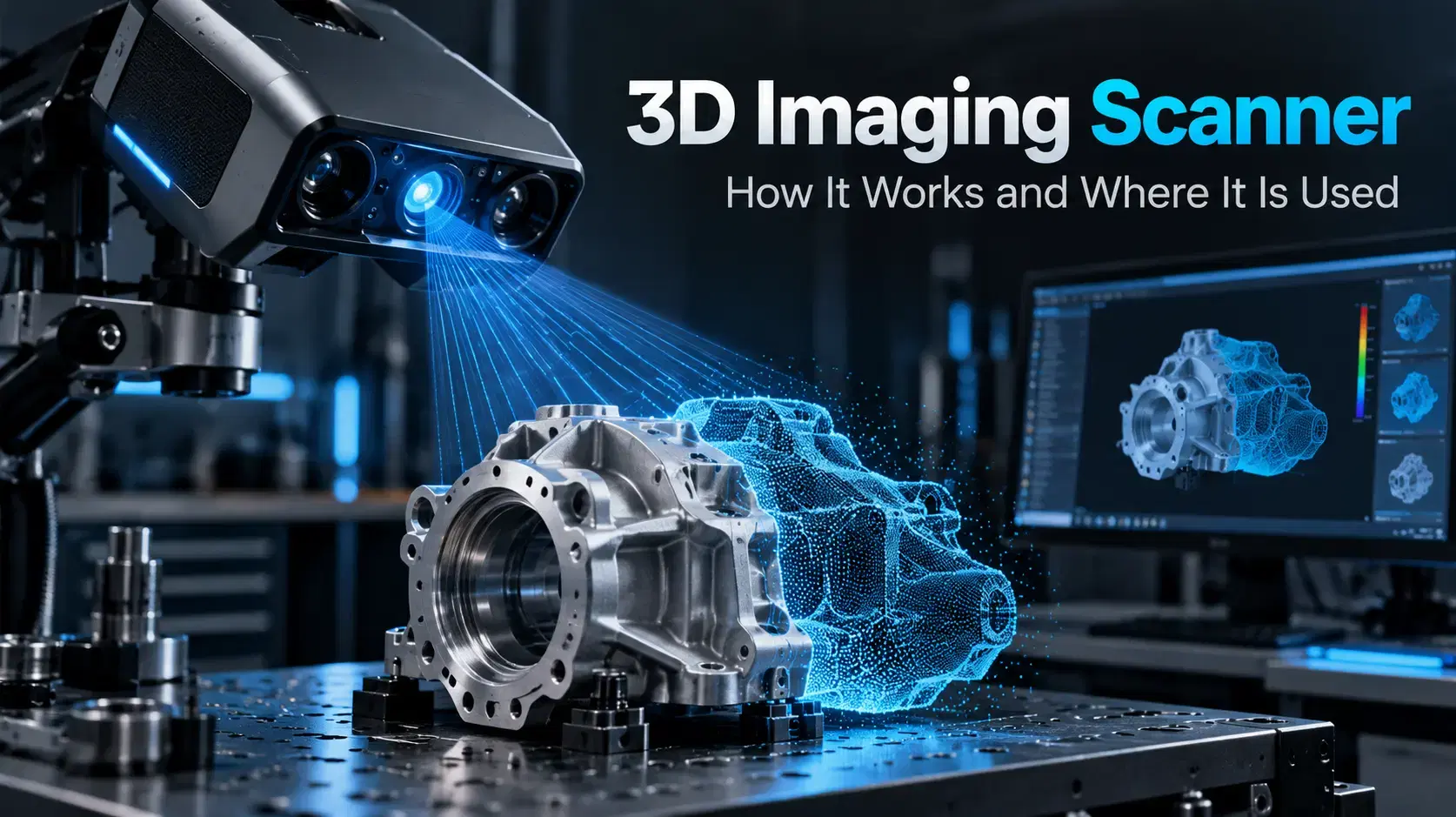
Learn how a 3D imaging scanner captures physical geometry, creates digital models, and supports inspection, reverse engineering, CAD, and industrial workflows.

Whether you're evaluating 3D scanners, inspection software, reverse engineering workflows, or CAD modeling services, our engineering team can help identify the best solution for your application.


