Learn how scan to CAD turns 3D scan data into editable CAD models using mesh cleanup, alignment, feature extraction, verification, and proper file export.
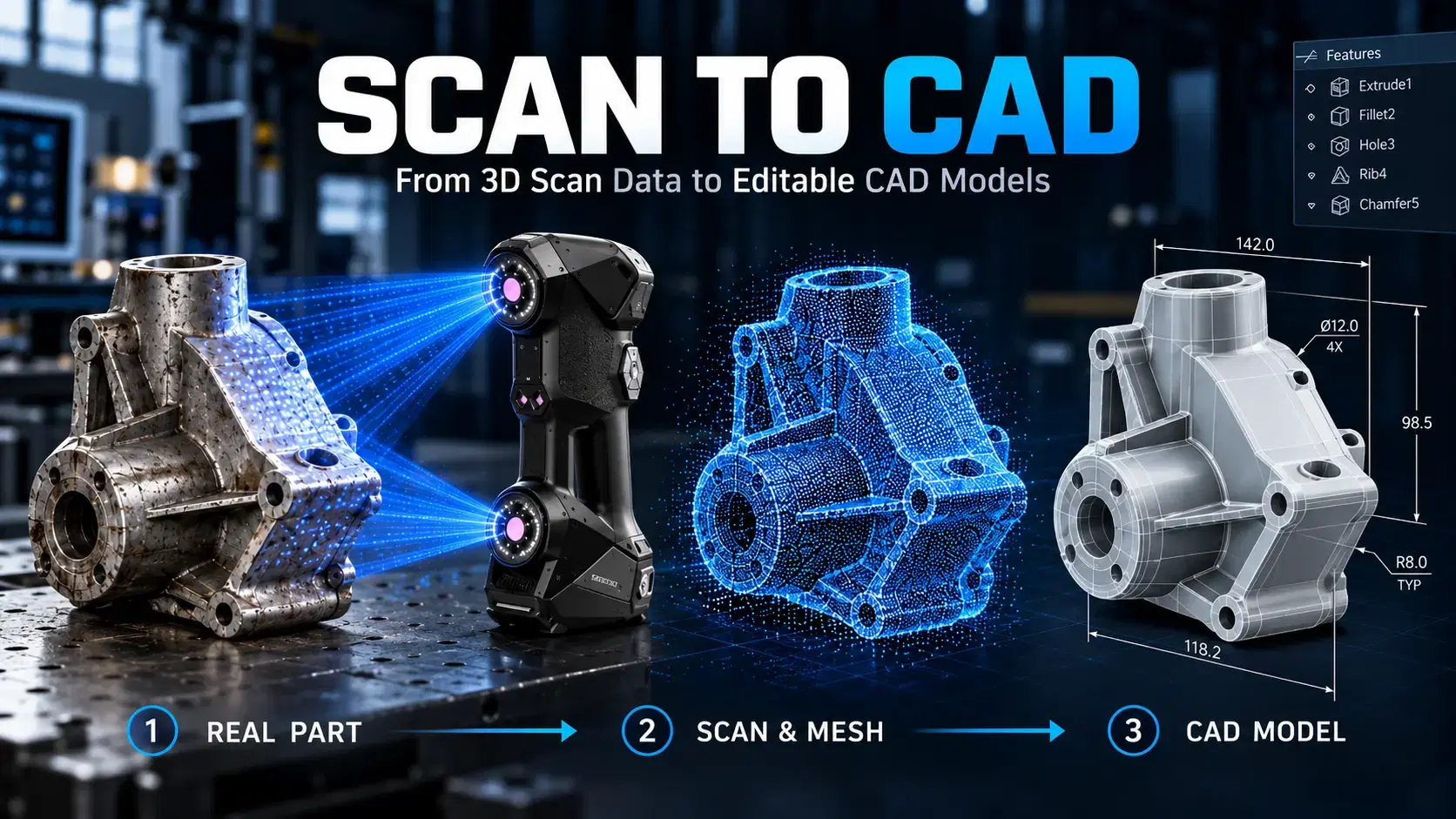
A manufacturer needs a replacement cover for a machine running for twenty years. The cover exists, but its drawings do not. Capturing its shape with a scanner is straightforward compared with rebuilding dimensions and editable features for manufacturing.
That is where scan to CAD becomes valuable. The workflow transforms measured surfaces into engineering geometry that designers can modify, check, and share. However, converting a scan requires more than changing the file extension.
Scan to CAD describes the process of using captured three-dimensional measurements to create geometry suitable for computer-aided design software.
A scanner generally produces a point cloud or polygon mesh. A CAD model may contain planes, cylinders, sketches, dimensions, surfaces, and solid features. These representations serve different purposes.
For example, a mesh shows the scanned shape of a flange. An editable CAD model can define its bolt circle, hole diameters, thickness, and relationships between features. Those properties make modifications and manufacturing decisions easier.
People asking what is a CAD scanner expect a device that creates finished CAD models instantly. In practice, the term usually refers to a 3D scanner used alongside reverse engineering software.
Handheld laser scanners can capture complicated industrial components, while fixed optical systems may suit controlled inspection environments. Neither automatically knows whether a rounded corner was designed that way or became worn through years of operation.
Engineering judgment and software processing remain necessary, especially when the finished model must meet tolerances.
Decide what the CAD file must accomplish before collecting data. A replacement bracket needs functional mounting geometry. A prototype modification may require editable surfaces. A quality comparison might need only an aligned reference mesh.
Identify the critical features, units, coordinate system, file format, and relevant tolerances. If parts assemble together, collect information about mating components as well.
These requirements determine which surfaces must be scanned and how thoroughly the model needs verification.
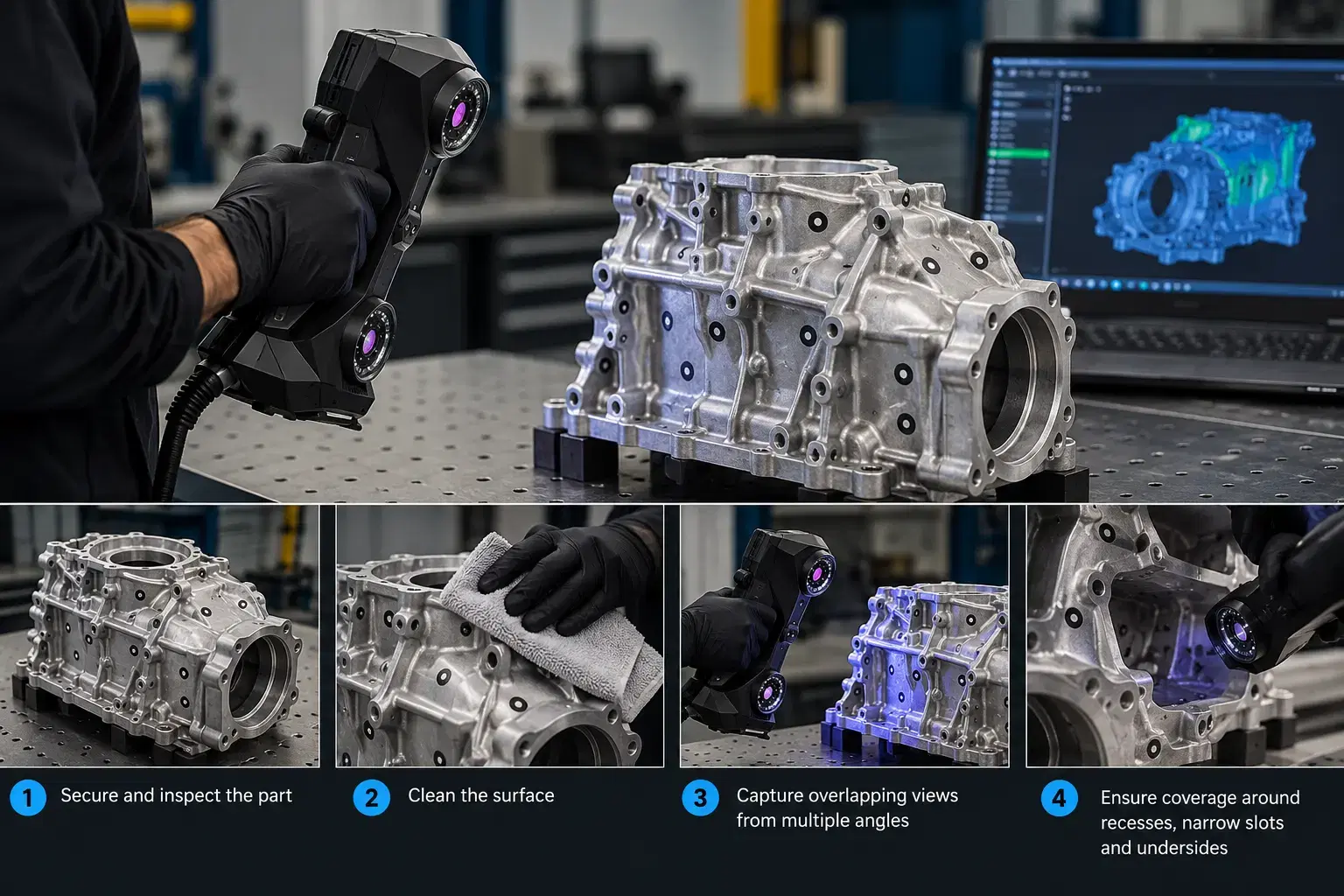
Secure the part and inspect it for damage, dirt, and reflective surfaces. Follow equipment guidance for reference targets or surface preparation where necessary.
Capture overlapping views from enough angles to measure important features. Watch for missing information around recesses, narrow slots, and undersides.
Do not assume software can reconstruct geometry that was never captured. For inaccessible features, use appropriate manual measurements, drawings, or complementary inspection methods.
Import the scan into compatible processing software. Remove stray points and unrelated objects, then merge captures and examine surface noise. Repair mesh gaps only when the missing geometry can be justified.
Next, establish the model orientation. A best-fit alignment can suit certain comparisons, but manufacturing reconstruction often benefits from functional datums such as mounting faces and hole axes.
Incorrect alignment can affect every feature created afterward. Confirm units and coordinate directions before moving into modeling.
To convert scan to CAD, identify the shapes that define the component. Fit planes to mounting faces, cylinders to holes, and profiles to measured cross-sections. Use these references to create sketches, extrusions, cuts, revolutions, or fitted surfaces.
Simple machined parts often suit parametric modeling because dimensions can be edited later. Sculpted or organic components may need freeform surface reconstruction.
Do not blindly trace every imperfection. A worn bore might need its original nominal diameter rather than its damaged scanned outline. Where design intent is uncertain, document assumptions and verify them against mating parts or engineering requirements.
Overlay the reconstructed model on the scan and inspect a deviation map. Review cross-sections, hole positions, surface transitions, and features critical to assembly.
A low overall deviation does not prove that every functional dimension is acceptable. Confirm important measurements independently where needed, especially when the scan shows damaged areas or poor coverage.
Record which features were directly measured and which were reconstructed from assumptions. This makes future revisions safer and easier to explain.
STL and OBJ commonly represent meshes. STEP and IGES support exchange of CAD geometry, while native CAD formats may preserve editable feature history.
Ask the receiving engineer whether they need a reference surface, solid body, or fully parametric model. A mesh imported into CAD software is not automatically a feature-based model.
Creaform's Scan-to-CAD tools support mesh editing, alignment, and geometry extraction. The Pro version adds sketching and three-dimensional modeling capabilities, helping teams progress toward editable CAD workflows.
No. Complex surfaces, missing features, damage, and design intent can require substantial manual reconstruction.
Usually, the phrase describes a 3D scanner used to support CAD modeling rather than a distinct scanner category.
Yes, when reconstructed geometry, material requirements, tolerances, and critical dimensions have been properly verified.
Choose the format your downstream design or manufacturing software needs, including editability requirements.
Successful conversion connects measurement, modeling, and verification. The goal is not simply a digital copy, but geometry that can support changes and manufacturing decisions.
Dynamic 3D helps manufacturers explore industrial 3D scanning, reverse engineering, and scan to CAD solutions that turn physical components into practical engineering data.
Expand your knowledge with additional resources designed to help engineers, manufacturers, and quality teams make more informed decisions.
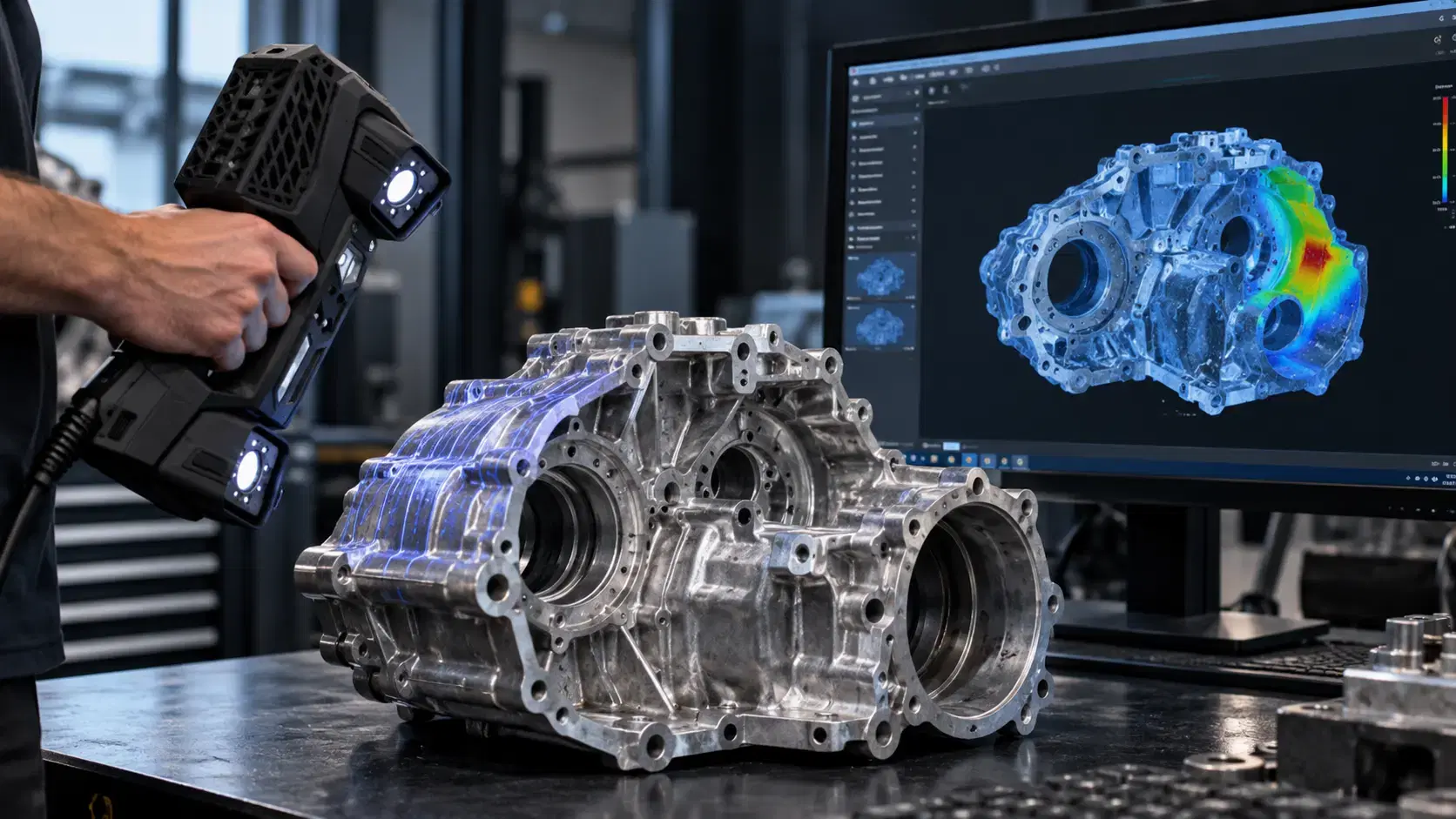

Learn how a three-dimensional scanner captures physical geometry, creates digital scan data, and supports inspection, reverse engineering, CAD, and manufacturing.

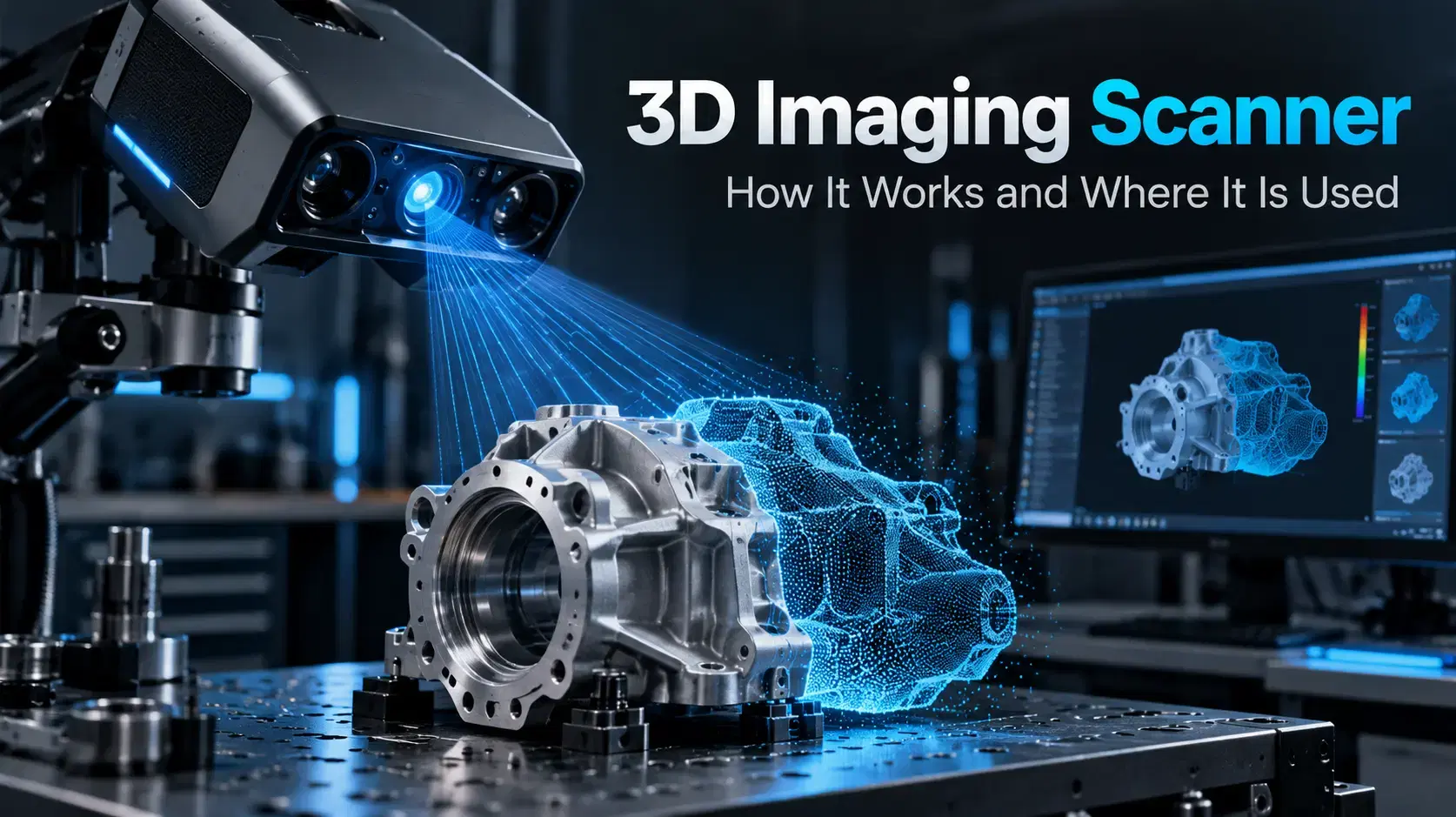
Learn how a 3D imaging scanner captures physical geometry, creates digital models, and supports inspection, reverse engineering, CAD, and industrial workflows.
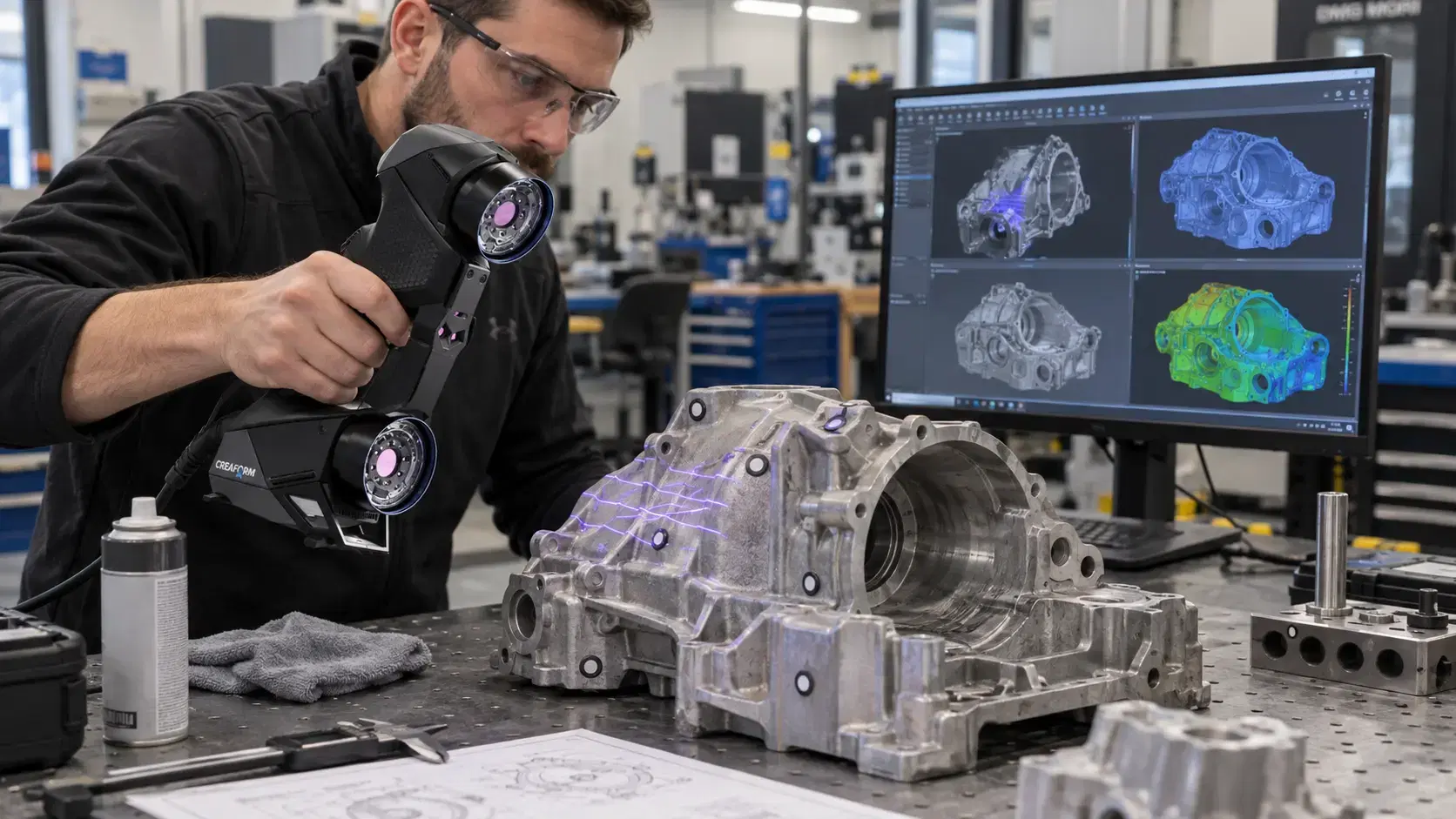

Learn how Creaform HandySCAN captures real part geometry for inspection, reverse engineering, scan-to-CAD, product development, and manufacturing workflows.

Whether you're evaluating 3D scanners, inspection software, reverse engineering workflows, or CAD modeling services, our engineering team can help identify the best solution for your application.


