Learn how VXmodel software turns 3D scan data into CAD-ready models using mesh cleanup, alignment, feature extraction, scan-to-CAD workflows, and CAD transfer.
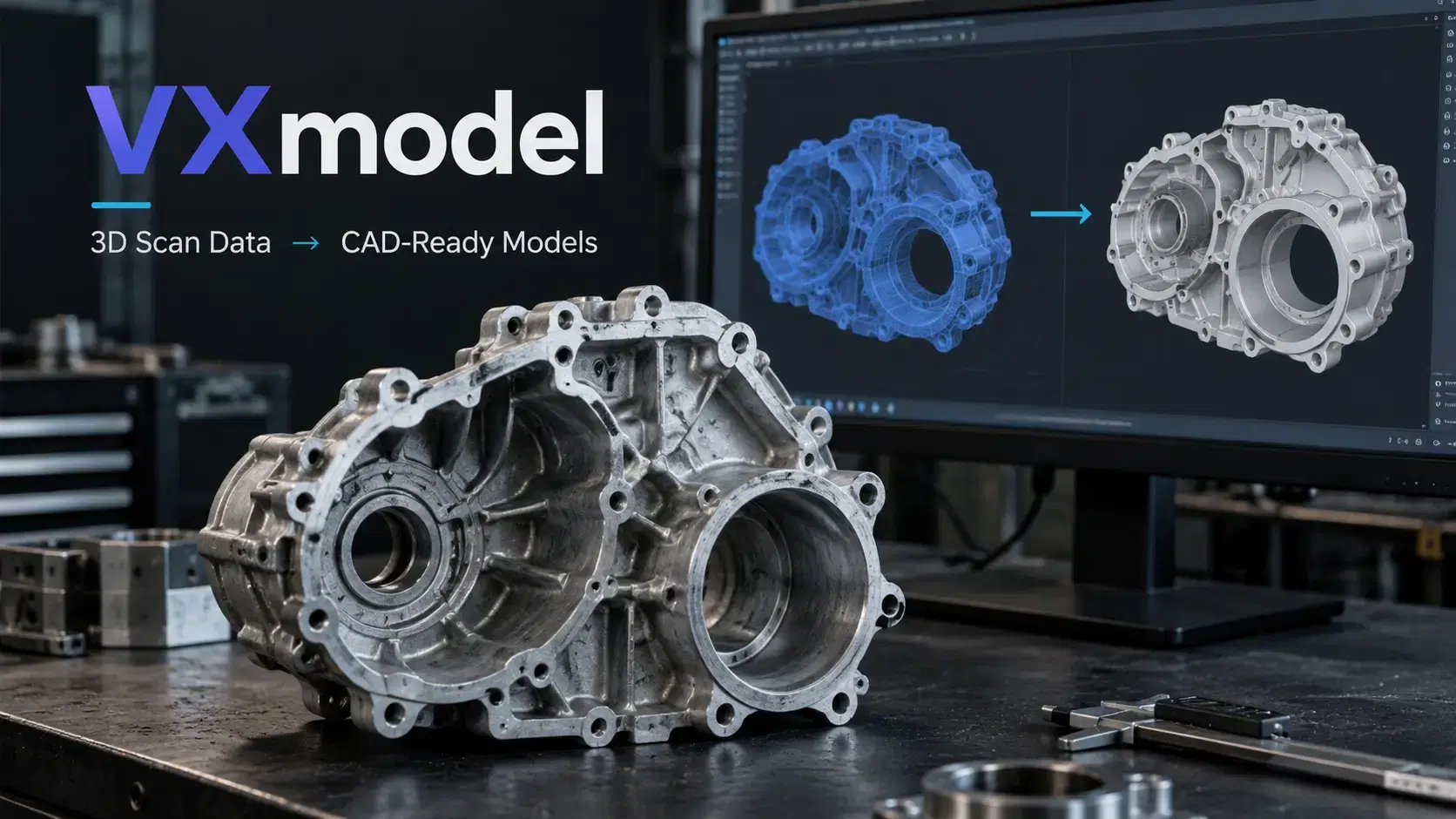
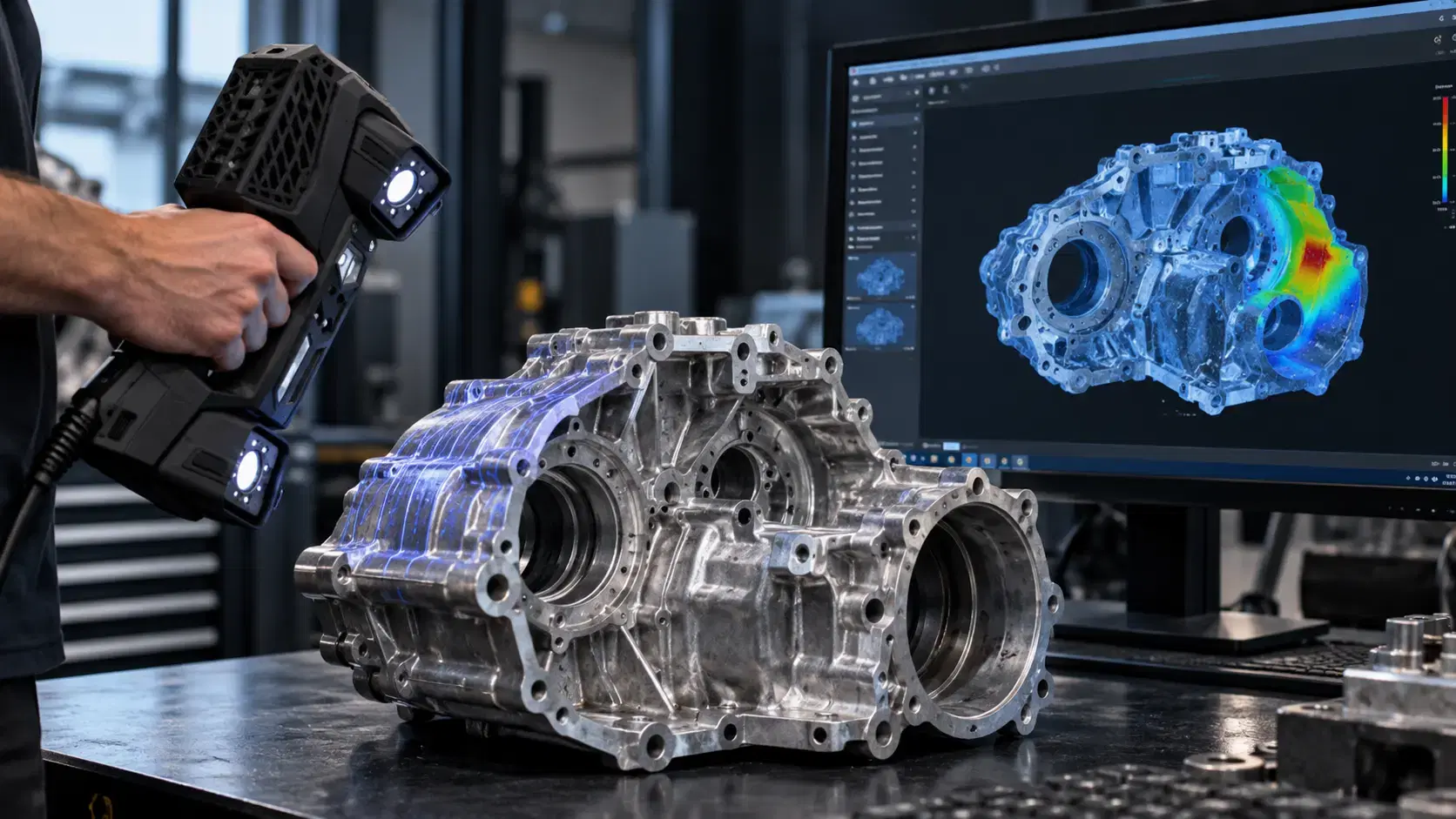
A worn machine housing sits on a workbench, but its original CAD file+ is missing. Measuring every curve by hand would take time, and a raw 3D scan alone cannot tell a machinist how the part should be rebuilt. This is where VXmodel software helps connect physical geometry with useful engineering work.
Often searched as vx model, VXmodel was Creaform's scan-to-CAD module within VXelements. Creaform now presents this workflow under its Scan-to-CAD software offering. Understanding the tools and their limits helps engineers choose the right route from scan data to an editable design.
A scanner captures a physical part as surface measurements, commonly represented as a mesh of connected triangles. That mesh can describe complicated geometry, but it is not automatically a parametric CAD model.
VXmodel provides tools for preparing scan data before it enters a CAD system. Its traditional workflow focuses on mesh cleanup, alignment, geometric feature extraction, and transfer to CAD. This makes it useful for reverse engineering, product development, legacy components, and preparing certain meshes for 3D printing.
The software complements engineering judgment rather than replacing it.
A scan may contain unwanted background points, isolated triangles, missing patches, or more detail than the next application needs.
Mesh editing helps remove unnecessary data, merge scans, fill appropriate gaps, and reduce mesh density. For printing, a watertight mesh may be important. For reverse engineering, preserving critical edges and surfaces matters more than making every area perfectly smooth.
Engineers should avoid automatically filling functional openings or smoothing away worn regions that need investigation. Cleanup should reflect what the final model must accomplish.
Before building CAD, the scanned geometry needs a meaningful coordinate system.
Alignment can use extracted geometric entities or a best-fit approach, depending on the task. For a bracket, the mounting plane and hole locations may matter more than the overall outer surface. For a sculpted cover, a different alignment strategy may be appropriate.
An attractive alignment is not necessarily a functional one. Engineers should identify mating surfaces, datums, and assembly references before treating any position as final.
Mesh data becomes more practical when engineers can identify recognizable features.
VXmodel supports extracting information such as planes, curves, cross sections, and surfaces from the captured mesh. These references help create sketches and rebuild geometry inside CAD software.
Consider a damaged pump cover. The scan may capture the outer casting, while extracted circles and planes help establish bolt patterns and mounting relationships. Engineers can then review which features are original, which are worn, and which require independent measurement.
The goal is a meaningful design reference, not just a visually convincing copy.
Prepared geometry can be transferred to CAD platforms such as SOLIDWORKS, Autodesk Inventor, or Solid Edge, or exported using supported standard formats.
CAD is where engineers can build editable features, control dimensions, review assembly fit, add tolerances, and prepare manufacturing documentation. A scan mesh and an editable solid model serve different purposes, so the required deliverable should be agreed upon early.
Creaform's newer Scan-to-CAD offering also distinguishes its standard module from Scan-to-CAD Pro, which adds more extensive sketching and parametric modeling capabilities. Confirm the version before planning the workflow.
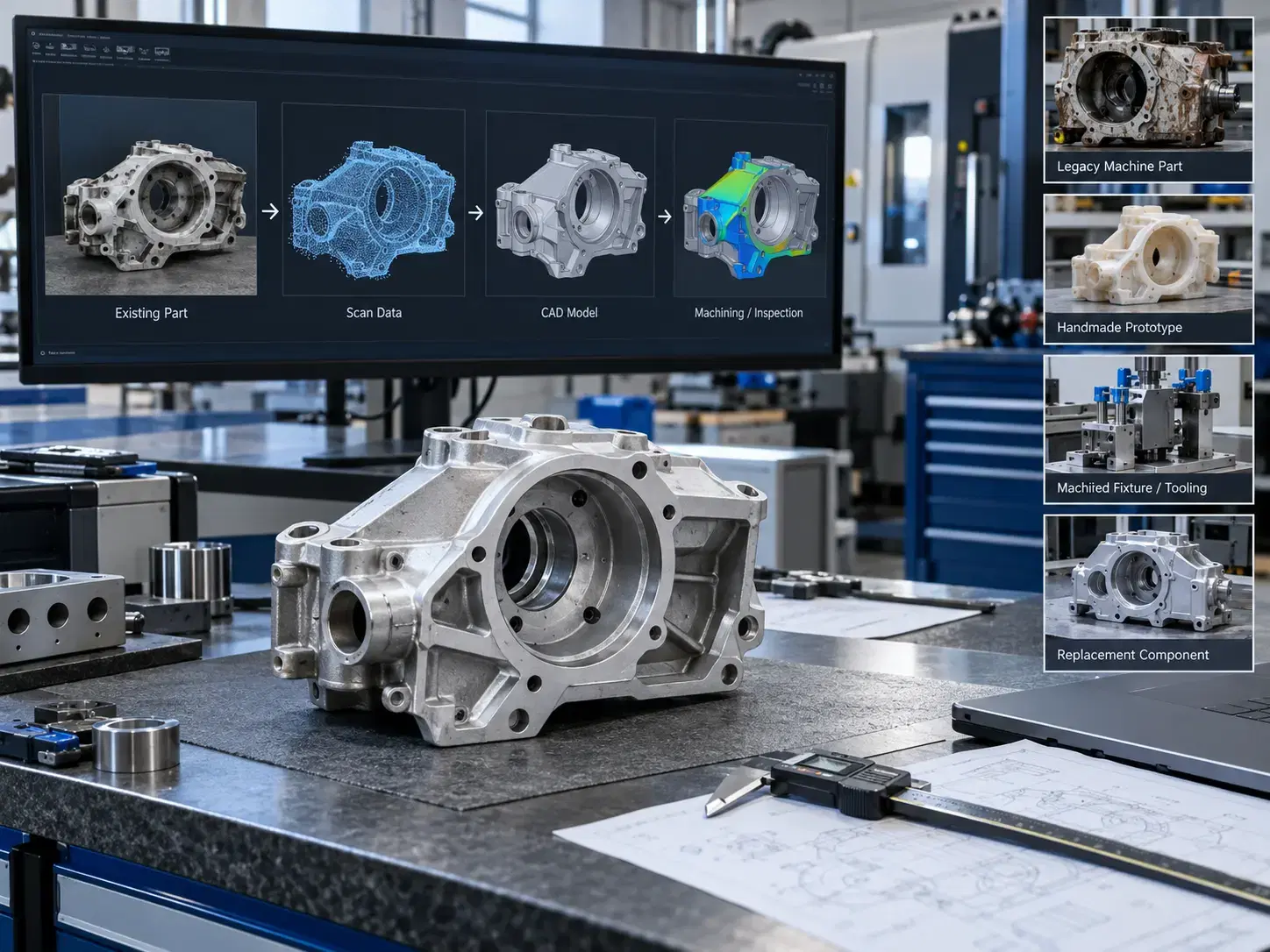
Scan-to-CAD work is especially useful when original design files are unavailable or unreliable.
Manufacturers can reconstruct legacy machine parts, capture handmade prototypes, document modified fixtures, assess tooling changes, or prepare replacements for discontinued components. Designers can use scan geometry to understand existing products before modifying dimensions or rebuilding features.
It also helps teams share a consistent geometric reference between product development, machining, and inspection. However, the scan cannot automatically reveal material specifications, hidden internal features, or the original manufacturer's tolerances. Those details require additional evidence.
People searching vx model login often want access to software downloads, licenses, or support rather than an online CAD editing screen.
Creaform provides a customer portal for software and license downloads, product resources, and support. Authorized users can sign in through the Creaform customer portal; activation and access depend on their account, software entitlements, and license setup.
Do not assume that every VXmodel version has identical licensing or that a browser login replaces installing the desktop software. Check the specific product package and ask an authorized supplier when access is unclear.
Not necessarily. It prepares meshes and extracts geometry; creating a manufacturing-ready model still requires suitable CAD tools and engineering review.
Yes. Mesh cleanup and preparation can support printing workflows, depending on the scan and printer requirements.
No. VXelements is the broader software platform; VXmodel was its scan-to-CAD module.
Not automatically. Critical features and tolerances may still need verified inspection methods.
A good scan-to-CAD process starts with a question: what must the finished model actually do?
Cleaning the mesh, choosing functional alignment, extracting the right features, and verifying final geometry create a stronger result than rushing straight to export.
Dynamic 3D helps engineering and manufacturing teams explore Creaform scanning solutions, scan-to-CAD workflows, reverse engineering, and inspection support for real industrial production challenges.
Expand your knowledge with additional resources designed to help engineers, manufacturers, and quality teams make more informed decisions.
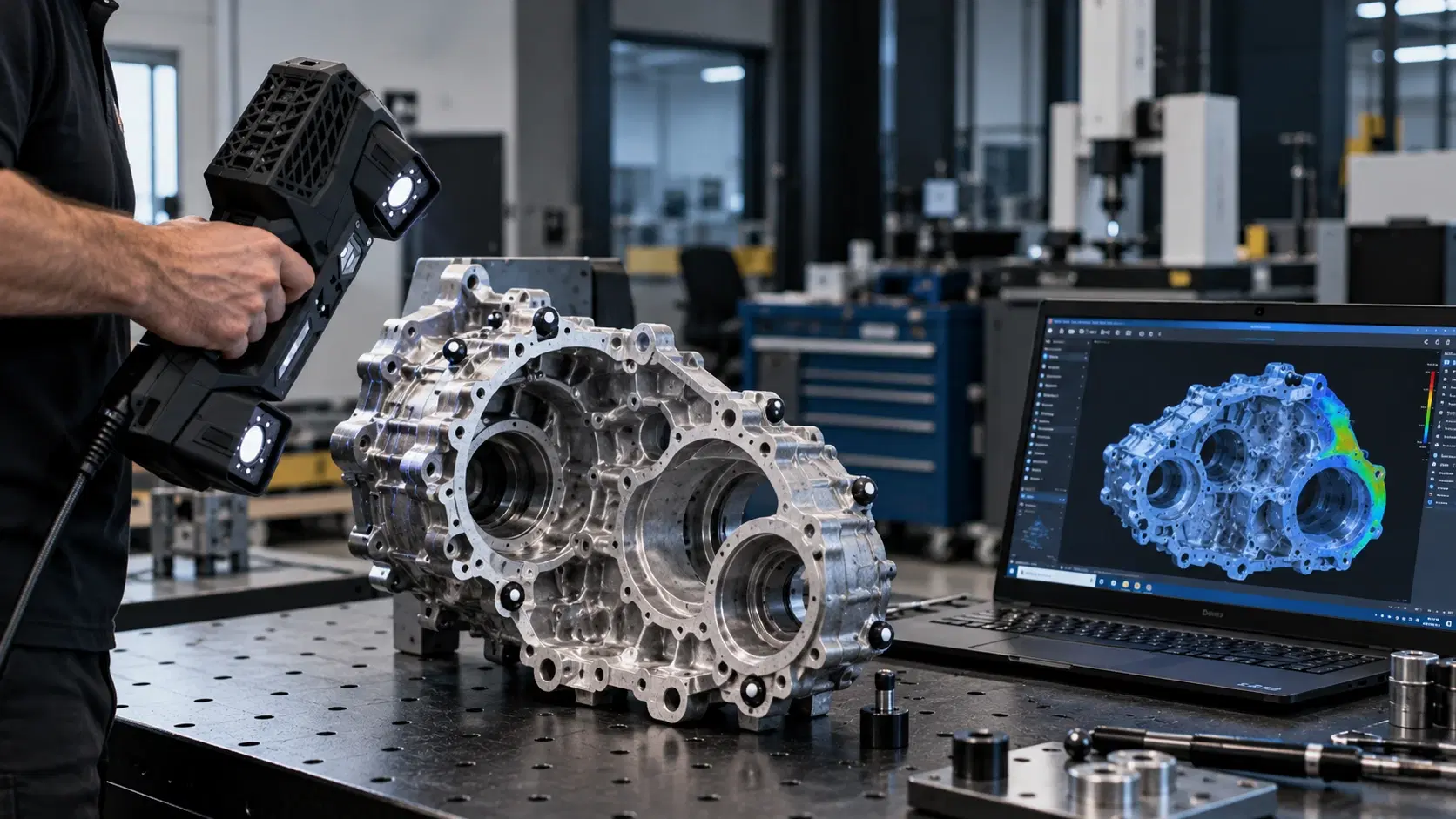

Learn about HandySCAN BLACK Elite accuracy, features, scanning performance, applications, software needs, and pricing factors before requesting a quote.

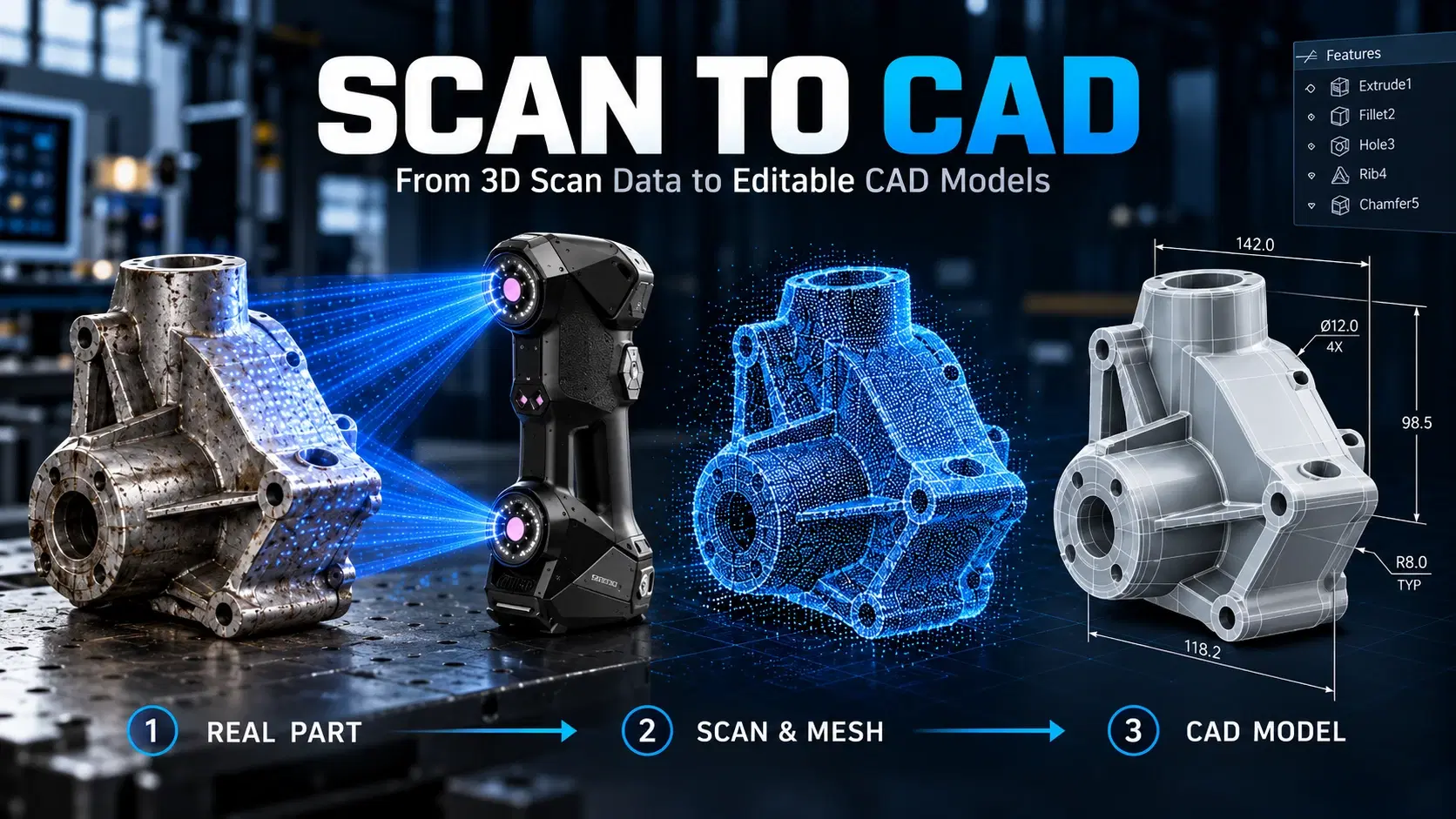
Learn how scan to CAD turns 3D scan data into editable CAD models using mesh cleanup, alignment, feature extraction, verification, and proper file export.
Learn how a three-dimensional scanner captures physical geometry, creates digital scan data, and supports inspection, reverse engineering, CAD, and manufacturing.

Whether you're evaluating 3D scanners, inspection software, reverse engineering workflows, or CAD modeling services, our engineering team can help identify the best solution for your application.


